Game server hosting
Terraria server hosting
Spawn your server in about a minute.
Terraria server hosting, from 2 GB RAM. CloudShield DDoS protection and automatic backups included.
No card needed. Keep it any time and your world carries over.



Pick your plan
Per-GB pricing, no setup fees, upgrade any time.
Halloween sale · 15% off for life · code HALLOWEEN15
Built for Terraria
Install and update mods from the panel.
Size, difficulty and game rules, set before first launch.
Upgrade any time as your world grows.
World data and inventories, restorable in one click.
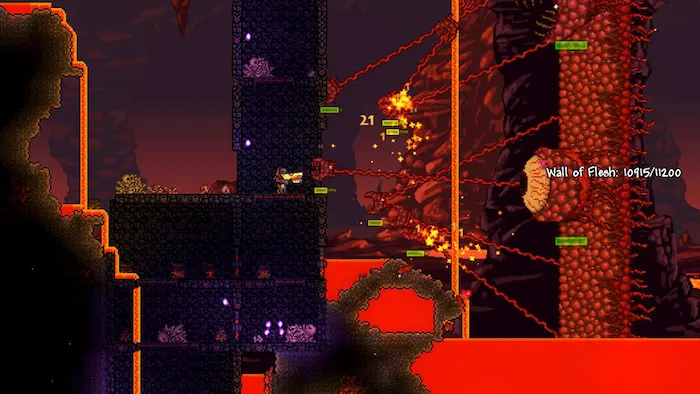
Epic World Exploration
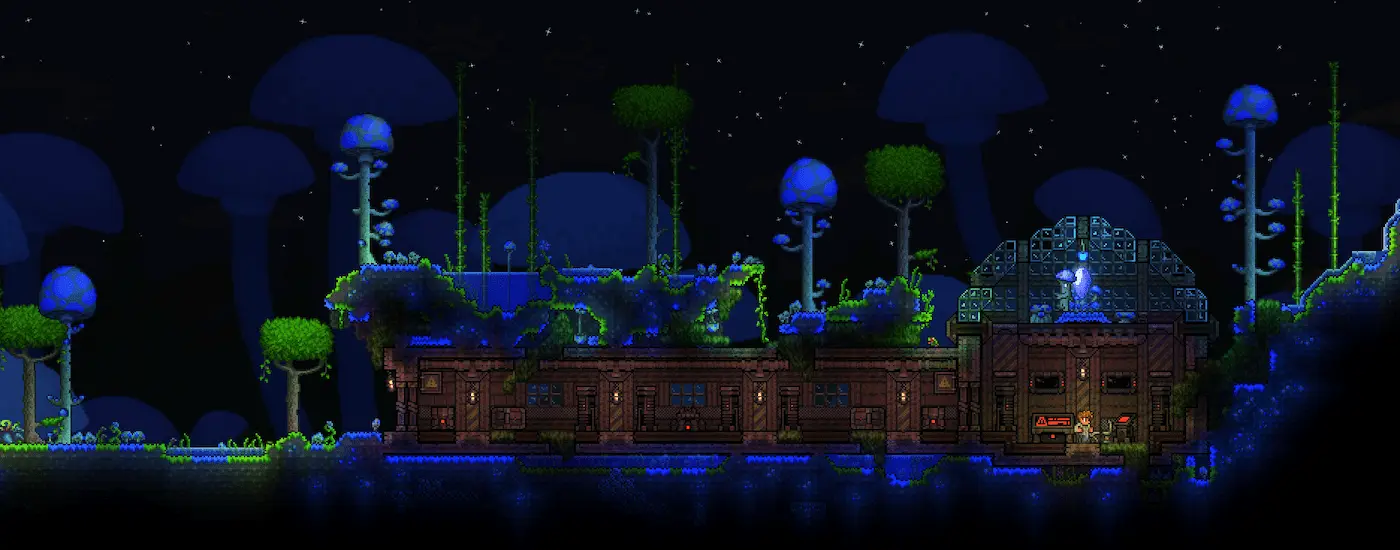
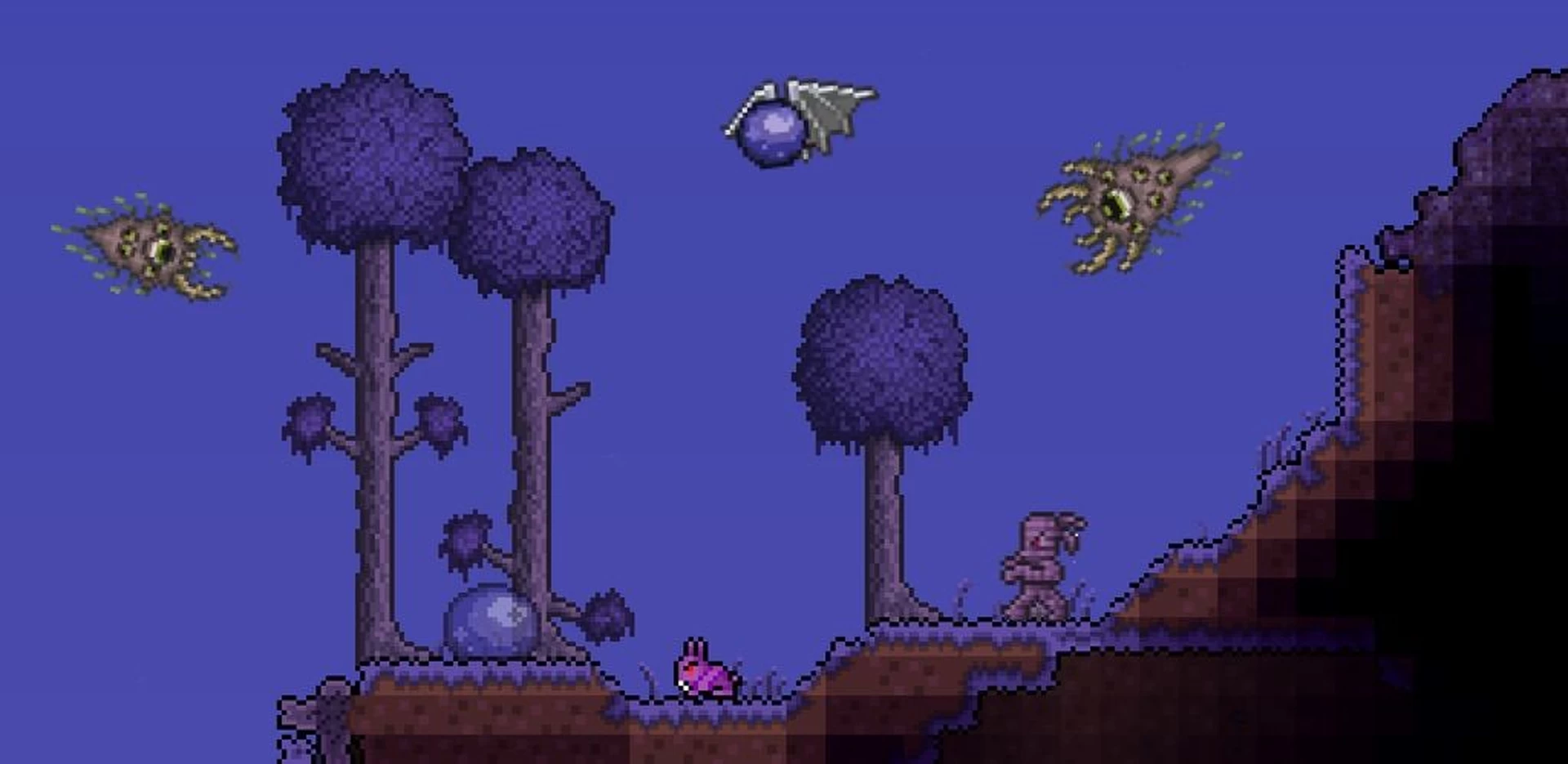
Embark on grand adventures with friends in vast, procedurally generated worlds. Mine resources, build magnificent structures, and face challenging bosses together in this expansive sandbox experience.
Rich Environments
Explore unique biomes from lush forests to treacherous dungeons, each filled with distinct enemies, treasures, and resources to discover.
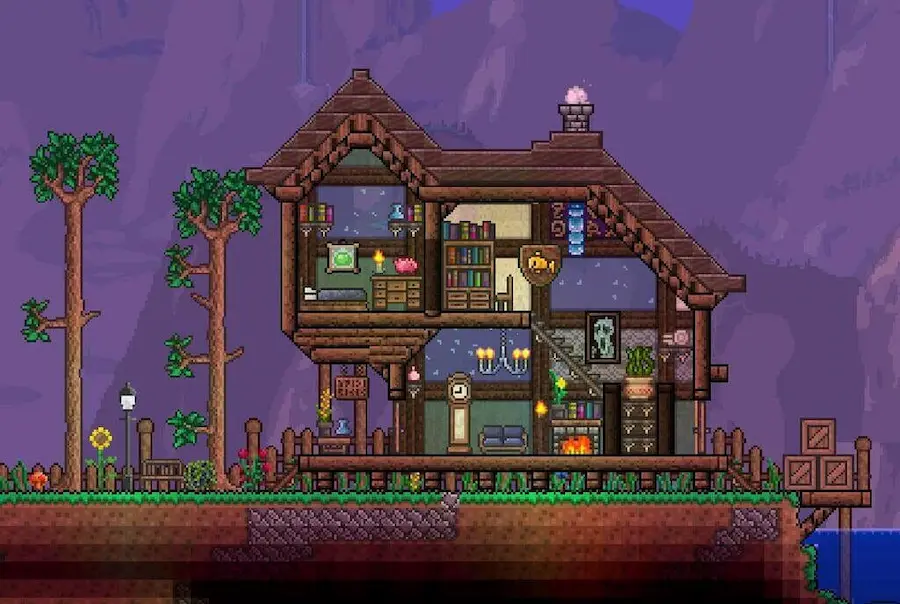
Extensive Item System
Craft and collect hundreds of unique weapons, tools, and accessories. Build your character's equipment loadout from a vast array of options to suit your playstyle.
Creators who run their communities on CloudNord.




Every plan includes
- Instant automated setup
- Full SFTP + file manager
- Automatic game updates
- One-click modpack installs
- Free migrations
- Automatic backups
- 3-day full refund
- DDoS protection, always on
Running a Terraria server
Terraria asks less of a server than most games. A vanilla world for a few friends runs comfortably on a small plan and stays that way for a whole playthrough. What changes the picture is mods: tModLoader loads content into the game itself, so memory use climbs with the pack, and every player has to match the server exactly. TShock takes the other route, adding commands, regions and anti-grief while players connect with the stock game.
How much RAM do you need?
A guide, not a limit: you can change plan later without losing your world.
Getting started
Terraria is modest on memory until mods arrive. Start at 2 GB for vanilla and more for tModLoader, then choose whichever of our 18 locations sits nearest your group.
Vanilla for straight co-op, TShock when you want commands, permissions and anti-grief, tModLoader when you want mods. Install whichever one you need from the panel.
Set size, difficulty and seed and let the server build one, or upload an existing .wld file with its matching .twld over SFTP. Both files have to travel together.
Add a server password in the config, then join through Multiplayer and Join via IP using your address and port. On tModLoader, everyone needs the same mod list.
Turn one server into two, for the same money
Need a database, a test server or a second world? Split RAM off the server you already have. You are re-allocating memory you already pay for, so the total barely moves — no second order, no migration.
Terraria
Terraria
Same world, same players, same address.
MariaDB
A database server of your own.
$13.59 before · $18.08 after — two servers, one bill
A real database, not a shared one
Split off a database and you get your own MariaDB, PostgreSQL or MongoDB server — its own RAM, its own storage, its own version. Not a schema on a box shared with a thousand other people.
Dedicated RAM and CPU. A heavy query on someone else's database can't slow yours down.
MariaDB, PostgreSQL or MongoDB, each with every version worth running — choose at creation, keep it until you decide otherwise.
Create databases and users, browse tables and run queries from the browser.
Point your plugins at it over the private network — no public exposure needed.
Splitting is done from your server's page once it is running — nothing to order.
Before you order
The things people ask about Terraria hosting before they deploy. For anything else, ask on Discord or open a ticket; most get a first reply within 15 minutes.
Ask on Discord18 locations worldwide
A global network of high-performance nodes, so you get the best possible ping no matter where your players are.


DDoS protection, included
Every server sits behind always-on filtering at the network edge. Attack traffic is dropped before it reaches your node, so your players stay connected and you are not billed extra for the privilege.
- On by default
- Nothing to enable, configure or buy as an add-on. Active from the moment your server is created.
- Filtered at the edge
- Volumetric traffic is dropped upstream of your node, so your CPU and RAM keep serving players.
- Game-aware filtering
- Rules are tuned for game protocols, so real players are not caught alongside the attack traffic.
- Nothing for you to do
- Mitigation starts automatically. If something does get through, support can see it and respond.
Short routes to your players
We pick data centres for their routes as much as their price: direct paths into the major exchanges, so traffic reaches your players over as few hops as possible. Less distance, fewer transits, steadier ping.
Uplinks are 10 to 25 Gbit on the newer nodes and 1 Gbit on the rest. A busy game server moves a few megabits, so the uplink is never the limit; the route is.
Same price, every location
NVMe nodes with DDoS filtering and backups included, in 18 locations across Europe, North America, Asia and South America. Every game costs the same wherever you put it.
View all locationsStart your Terraria server
Online in about a minute. Three-day refund window. Cards and PayPal.