Game server hosting
Rust server hosting
Spawn your server in about a minute.
Rust server hosting, from 10 GB RAM. CloudShield DDoS protection and automatic backups included.





Pick your plan
Per-GB pricing, no setup fees, upgrade any time.
Halloween sale · 15% off for life · code HALLOWEEN15
Built for Rust
One-click installs for Raid Blocker, Clans, Economics and thousands more.
Automatic or manual map and blueprint wipes.
From a small private server to a full community.
Set from the control panel, no config files.
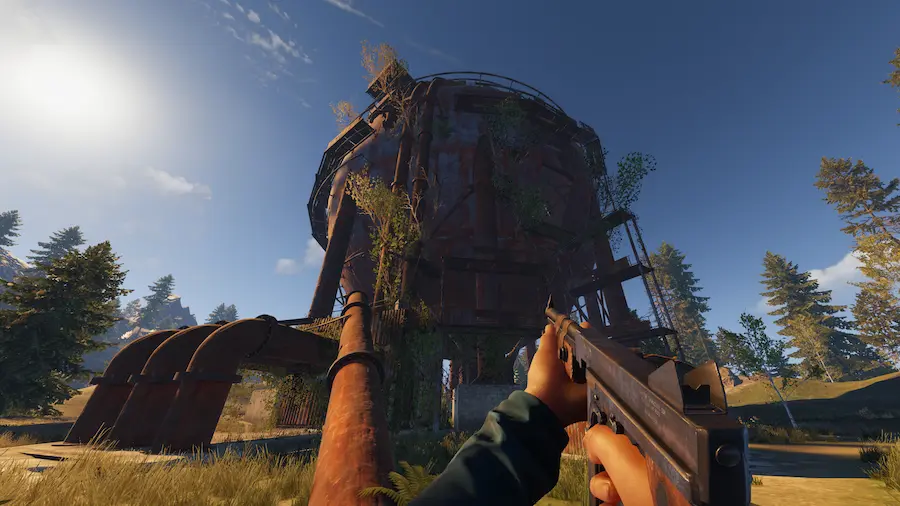
Build, Raid, Survive
Create massive fortified bases, defend against raiders, and survive in a hostile environment. Gather resources, craft weapons, and form alliances to dominate the server.
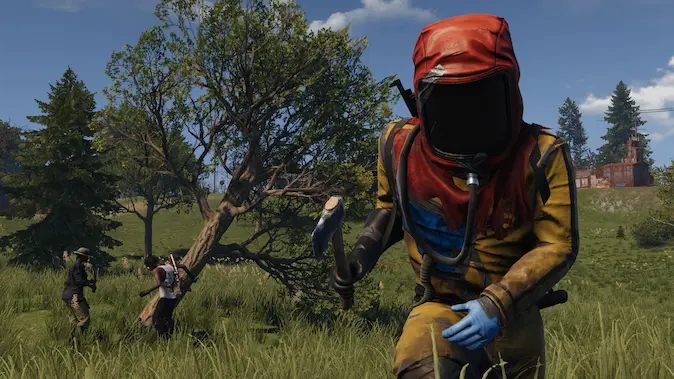
Intense Player Battles
Engage in brutal PvP combat using a variety of weapons from primitive bows to high-powered rifles. Fight for resources, protect your territory, and raid other players' bases.
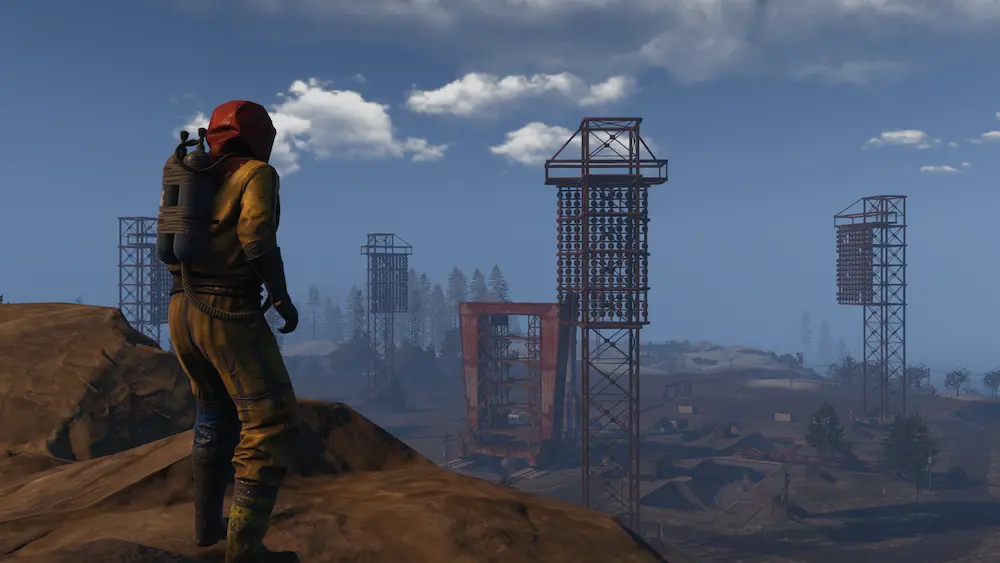
Explore and Conquer
Navigate through diverse environments filled with monuments, underground tunnels, and high-tier loot areas. Face environmental challenges and compete for valuable resources.
Built-in Plugin Installer
Install and manage popular Rust plugins and Oxide mods with our integrated plugin installer. Browse thousands of plugins, install with one click, and keep them updated automatically.
Install popular plugins and Oxide mods like Raid Blocker, Clans, Economics, and more with just a single click.
Search through thousands of plugins and Oxide mods by category, popularity, or specific functionality.
Keep your plugins and Oxide mods up to date automatically with our smart update system.
Our system automatically checks plugin and Oxide mod compatibility with your server version and other installed plugins.
Creators who run their communities on CloudNord.






Every plan includes
- Instant automated setup
- Full SFTP + file manager
- Automatic game updates
- One-click modpack installs
- Free migrations
- Automatic backups
- 3-day full refund
- DDoS protection, always on
Running a Rust server
Rust punishes an underpowered server more than most games. Entity counts climb all month, a single raid fires hundreds of physics events at once, and a bigger map holds more of everything. Plan around your wipe cycle: pick a map size you can afford to run on the last day of the month, not the first. Keep the plugin list short, watch the server on wipe day, and give yourself headroom before you widen the map.
How much RAM do you need?
A guide, not a limit: you can change plan later without losing your world.
Getting started
Rust leans on single-thread speed and RAM. Choose your map size first, then the plan that covers it, and a location near most of your players.
Your server is live in about sixty seconds. Set worldsize and seed before first boot — changing either later regenerates the map and wipes what players have built.
Add a modding framework from the panel, then the plugins you want. Start with a short list: every plugin adds load, and half of them overlap.
Facepunch forces a map wipe with the monthly update. Schedule yours around it, announce the date, and tell players whether blueprints wipe too.
Before you order
The things people ask about Rust hosting before they deploy. For anything else, ask on Discord or open a ticket; most get a first reply within 15 minutes.
Ask on Discord18 locations worldwide
A global network of high-performance nodes, so you get the best possible ping no matter where your players are.


DDoS protection, included
Every server sits behind always-on filtering at the network edge. Attack traffic is dropped before it reaches your node, so your players stay connected and you are not billed extra for the privilege.
- On by default
- Nothing to enable, configure or buy as an add-on. Active from the moment your server is created.
- Filtered at the edge
- Volumetric traffic is dropped upstream of your node, so your CPU and RAM keep serving players.
- Game-aware filtering
- Rules are tuned for game protocols, so real players are not caught alongside the attack traffic.
- Nothing for you to do
- Mitigation starts automatically. If something does get through, support can see it and respond.
Short routes to your players
We pick data centres for their routes as much as their price: direct paths into the major exchanges, so traffic reaches your players over as few hops as possible. Less distance, fewer transits, steadier ping.
Uplinks are 10 to 25 Gbit on the newer nodes and 1 Gbit on the rest. A busy game server moves a few megabits, so the uplink is never the limit; the route is.
Same price, every location
NVMe nodes with DDoS filtering and backups included, in 18 locations across Europe, North America, Asia and South America. Every game costs the same wherever you put it.
View all locationsStart your Rust server
Online in about a minute. Three-day refund window. Cards and PayPal.