Summer sale 10% off for life no code needed applied automatically at checkout

Game server hosting

Minecraft: Java Edition server hosting

Spawn your server in about a minute.

Minecraft: Java Edition server hosting CloudShield DDoS protection and automatic backups included.

From
$7.09 $6.38/mo
Summer sale · 10% off for life
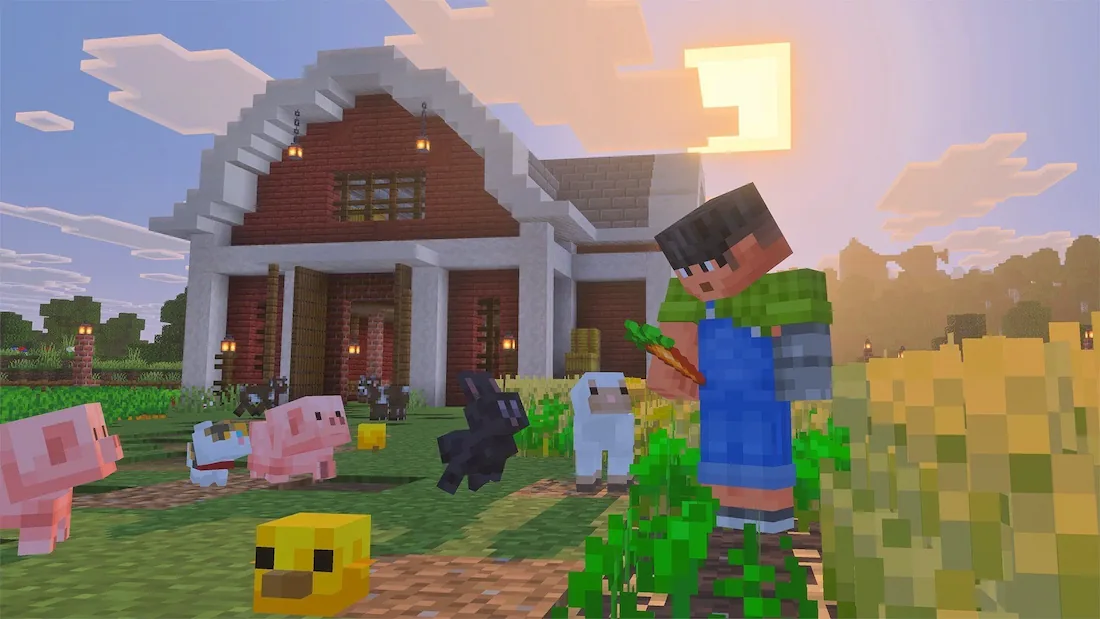
Minecraft Ambience
Minecraft: Java Edition Ready to deploy
Server browser
Your Minecraft: Java Edition server Ready to deploy 2–32 GB Your choice ~60s $7.09 $6.38/mo
Build your server

No card needed. Keep it any time and your world carries over.

Minecraft: Crossplay $7.09 $6.38 Project Zomboid $7.09 $6.38 Hytale $17.39 $15.65 Palworld $20.79 $18.71

Pick your plan

Per-GB pricing, no setup fees, upgrade any time.

Summer sale — 10% off for life · no code needed

Build your server
GB
DDR5 RAM
$ $/mo
Start small — you can upgrade in one click as your community grows. Deploy now
Starter
$7.09
$6.38 /mo
Vanilla worlds and small crews.
2 GB DDR5 RAM
NVMe storage
1–5 players
Automatic backups
DDoS protection
Select
Most picked
Pro
$27.49
$24.74 /mo
Modpacks and mid-size communities.
8 GB DDR5 RAM
NVMe storage
10–25 players
Automatic backups
DDoS protection
Select
Dedicated
$109.99
$98.99 /mo
Whole-node performance for big networks.
32 GB DDR5 RAM
NVMe storage
25+ players, or heavy packs
Automatic backups
DDoS protection
Select
4.9/5 on Trustpilot

Great server and price

Great Minecraft servers at a good price. I really liked that they have many regional server options so I was able to pick a server in the city not far from me.

Thomas Zhou Jul 2026

Amazing Server Hosting Platform

Cloud Nord is easily one of the top Minecraft server hosting providers available. They deliver excellent customer service, and their prices are very competitive compared to other platforms. The game panel is user friendly and intuitive. Overall, I strongly recommend Cloud Nord to anyone looking to host a server.

Daniel Alvarado Jul 2026

Great Hosting Service From CloudNord

CloudNord offers good prices for their hosting services. They have multiple game server hosting plans and feature a really good game panel to manage the server and features a lot of customizations. I am currently hosting a Minecraft server and we have not encountered any issues at all!

Dex Space Jul 2026

Cloudnord are a great host for minecraft servers

Cloudnord are the best host for minecraft servers i found, they give good support and control options over their servers i myself am running a server network with cloudnord, 100% whould reccomend!

JumXier Jul 2026

Minecraft Hosting

I use CloudNord to host a Minecraft Java server with about 10 people online tops. The prices are great and the server is customizable. The interface is great as well and the uptime is impeccable with a minimal lag server.

Nate Jul 2026

CloudNord the best server hoster

CloudNord delivers what it promises: fast performance, stable uptime, and helpful support. Their game servers run smoothly, even with heavy modpacks. Setup is quick, the panel is easy to use, and increasing resources takes seconds.

Phasmo Paez Jul 2026

Good pricing & many options

CloudNord offers easy-to-operate but highly customizable game servers at reasonable prices! I've been hosting Minecraft Servers with them for over half a year now and am personally very satisfied. Their support is very responsive and I haven't experienced any issues with them at all.

Miles Tesch Jun 2026

Great Minecraft Server Host

I've been using CloudNord to handle my Minecraft servers for some time, and I have to say their service is one of the best by cost and performance standards. It's definitely a worthwhile investment, especially if you really want to fine tune what specs your server has.

Rolando Garcia Jun 2026

Best for Minecraft hosting

CloudNord is the best Minecraft hosting service my friends and I have used. The UI is very cleanly designed and setting up a server with almost any configuration you want is very easy. Everything runs smoothly and we've experienced little to no lag while playing our modded server.

lord terard Jun 2026

I host a very heavily modded minecraft server

I host a very heavily modded minecraft server using cloudnord, and anytime ive had any issues with my server the support always replies within 2-3 hours. Server stability is wonderful and the team is very transparent with any issues affecting the service.

Toni Kral Jun 2026

Great for Modded Minecraft

I've been using CloudNord to run a modded Minecraft server with about 160 mods. Of all server hosts they have had cheaper prices and solid hardware which manages to run my server well. Quick with support aswell, even on the most minor of things.

Pika Apr 2026

amazing service.

i keep coming back to cloudnord every time me and my buddies have our minecraft phase. the ui for the panel is wonderful, the prices are low, and the staff are a delight.

SpockyMarshX Apr 2026

Great for Minecraft

We have a Minecraft server, it was easy to get into from the moment of purchase, easy to setup, and easy to join the world. No complaints.

Stu Mar 2026

Ease of use and next to none customer service

The performance is extraordinary, and the customer service is swift and incredibly fast. I'm enjoying the experience on my Minecraft server a lot. 100% recommended.

Miguel A. Mar 2026

great minecraft hosting site

ive been using cloudnord to host my minecraft server, so far, it has been great, the value and the customer service is great, would really recommend this to anyone

Bagaskara Iryawan Mar 2026

Server with great performance for every penny

Have been using CloudNord for about 2 years for a Minecraft server with a couple of friends. The server runs smoothly even with tons of mods installed and loaded, and unbelievably I've never had any issues that needs support to fix.

Walt Lee Mar 2026

After having some performance issues on my home server

After having some performance issues on my home server with a decently modded minecraft server, I looked for an alternative. I've had some really bad experiences with 3rd party hosters in the past so I was hesitant but after doing some research I decided on CloudNord. Migration and setup were really easy via FTP and the server runs like a dream so far. Not a single complaint from any of the other players either - which trust me, is very rare. On top of that they hold cheaper than a lot of their other competitors.

Rielle Mar 2026

Great performance, price, support team is very helpful.

Fast and helpful support, full control over the servers, great pricing and performance. I ONLY recommend CloudNord to my friends, because the team running it is genuenly awesome, and you get a great deal. No other Minecraft hosting service that I've tried comes close in quality.

NikZapp Mar 2026

Cloudnord Review

I actually had a great time using Cloudnords servers before for a Minecraft server with some friends of mine. The latency was actually really solid and I rarely ran into any issues. Now that I've bought my own server, their customer service response time is great and quick to respond to any queries I have. Overall, really nice.

WaterGodDestroyer Feb 2026

I recently made a Minecraft server using their services

I recently made a Minecraft server using their services and the experience was great. The customer support is great and the tools are mostly intuitive. They make it easy to transfer your server from one service to theirs and overall the service is seamless.

Brady Gatten Feb 2026

Built for Minecraft: Java Edition

Custom JAR support

Run your own custom JAR files, not just the presets.

1,200+ one-click modpacks

FTB, CurseForge, Technic, VoidsWrath, ATLauncher and Modrinth, all pre-integrated.

Web map viewers allowed

Dynmap, Squaremap, LiveAtlas and Pl3xmap are fine for browser-based world viewing.

No enforced player cap

Pick a plan for your community size — the limit is your hardware, not us.
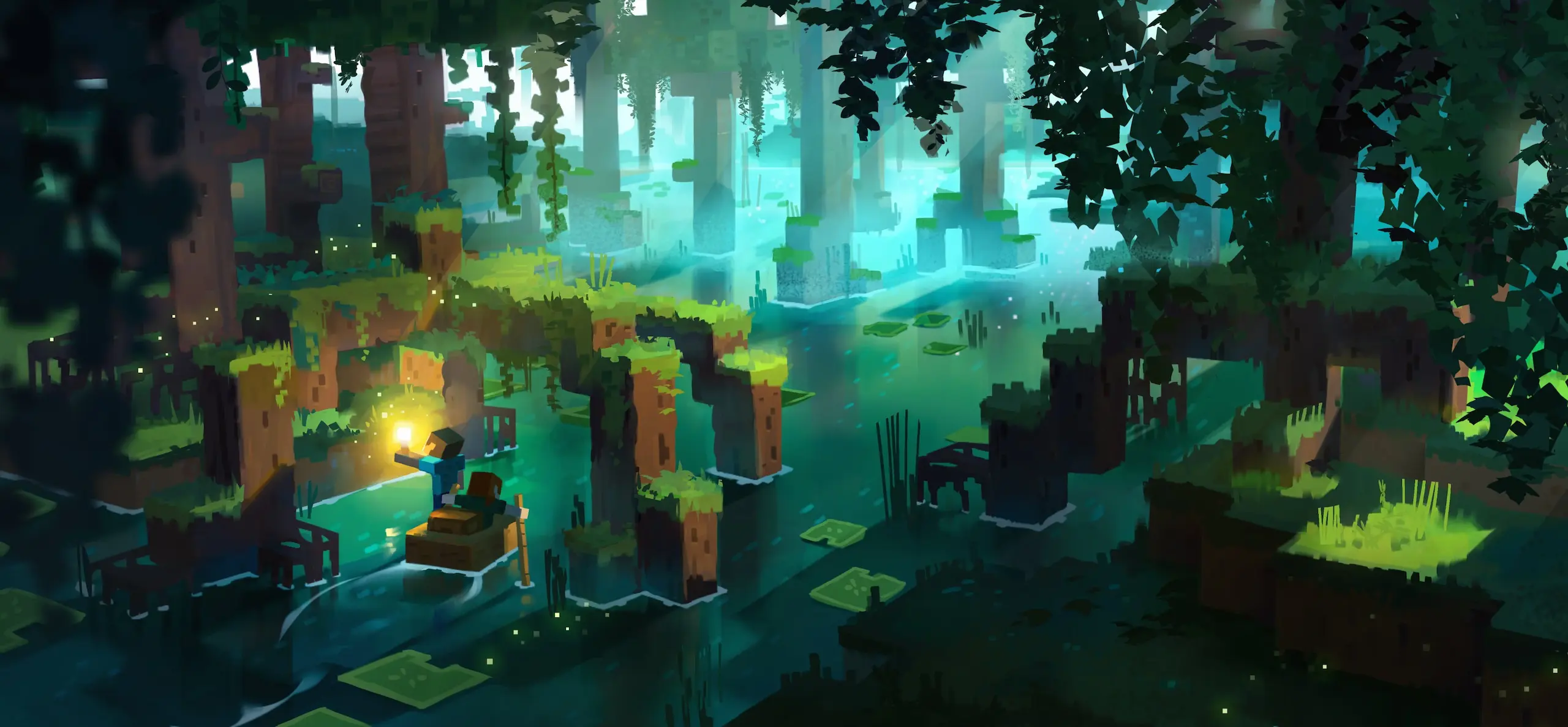
Mobs in a Minecraft swamp at night
Creature encounters

Face the mobs

Battle or befriend everything the night sends at you. Difficulty, mob spawning and hostile caps are all server settings, so you decide whether your world is a gentle build session or a fight to see the morning.

Diverse landscapes

Explore vast biomes

Journey through biomes that each hide their own resources and structures. Java generates the world as your players walk into it, so give the plan room: an explored world grows on disk and in RAM long after day one.


A Minecraft landscape spanning several biomes
Players building together on a Minecraft server
Mods and plugins

Run Paper, Forge or Fabric

Java is the edition the modding scene builds for. Swap between Vanilla, Paper, Forge and Fabric from the panel, install a modpack in one click, and add plugins without touching a config file by hand.

Featured partners

Creators who run their communities on CloudNord.

Distant Horizons Distant Horizons
Theomonty Theomonty
JustAen JustAen
Dokibird Dokibird
Goutros Goutros
Bricks 'O' Brian Bricks 'O' Brian

Every plan includes

Instant automated setup
Full SFTP + file manager
Automatic game updates
One-click modpack installs
Free migrations
Automatic backups
3-day full refund
DDoS protection, always on
The detail

Running a Minecraft: Java Edition server

A Minecraft server is mostly a question of what you run on it. Vanilla stays faithful, Paper trades a little parity for a lot of headroom, and Forge or Fabric open the door to modpacks that will happily use every gigabyte you give them. Your world, your plugins and your player count all pull on the same RAM, so size the plan for the heaviest of the three. Backups, updates and DDoS protection run without you.

Minecraft: Java Edition

How much RAM do you need?

1–5 players 2 GB Vanilla survival with a small group.
5–15 players 4 GB Paper with a handful of plugins.
10–25 players 8 GB Mid-size modpacks, or plugins and a large world.
25+ players, or heavy packs 12–16 GB Big Forge and NeoForge packs, or a busy public server.

A guide, not a limit — you can change plan later without losing your world.

Getting started

01
Pick a plan and a location

Size the RAM for your mod list rather than your player count — modpacks are the memory-hungry part. Then take the nearest of our 18 locations to the people you play with.

02
Choose your server software

Vanilla for exact parity, Paper or Purpur for plugins and headroom, Fabric or Forge for mods. Install it from the panel, or upload a custom JAR if you would rather.

03
Import a world or generate one

Upload an existing save over SFTP, or let the server build a fresh world on first boot. Set the seed, difficulty and game mode in server.properties before you start it.

04
Tune it, then invite people

If the server feels heavy, drop view distance and simulation distance first and pre-generate chunks. Turn on the whitelist, share the address, and backups run from then on.

Split your server

Turn one server into two, for the same money

Need a database, a test server or a second world? Split RAM off the server you already have. You are re-allocating memory you already pay for, so the total barely moves — no second order, no migration.

Before
8 GB RAM

Minecraft: Java Edition

per month $27.49
After
6 GB RAM

Minecraft: Java Edition

Same world, same players, same address.

per month $20.79
After
2 GB RAM

MariaDB

A database server of your own.

per month $7.09

$27.49 before · $27.88 after — two servers, one bill

Database servers

A real database, not a shared one

Split off a database and you get your own MariaDB, PostgreSQL or MongoDB server — its own RAM, its own storage, its own version. Not a schema on a box shared with a thousand other people.

Your own instance

Dedicated RAM and CPU. A heavy query on someone else's database can't slow yours down.

Pick your engine and version

MariaDB, PostgreSQL or MongoDB, each with every version worth running — choose at creation, keep it until you decide otherwise.

Manage it in the panel

Create databases and users, browse tables and run queries from the browser.

Reachable from your servers

Point your plugins at it over the private network — no public exposure needed.

Splitting is done from your server's page once it is running — nothing to order.

FAQ

Before you order

The things people ask about Minecraft: Java Edition hosting before they deploy. Anything else — the crew is around 24/7.

Ask on Discord
No — we don't enforce a hard cap. Recommended counts are shown per plan as a guide, but actual capacity depends on your mods, plugins and world size.
A 100GiB soft cap applies by default to prevent abuse. Need more for a big modpack or map? Contact support — increases in line with genuine gameplay needs are approved routinely.
Yes. Dynmap, Squaremap, LiveAtlas and Pl3xmap are all fine for browser-based world viewing — hosting unrelated websites on the server isn't.
Ports are randomly assigned from our pool by default. A dedicated IP add-on gives you any port you like, including 25565. Without one, Java players can still use a domain via an SRV record — Bedrock players need to enter the port manually, since Bedrock doesn't support SRV.
AMD Ryzen 7 7700 or equivalent, with DDR5 RAM and NVMe storage, on a 10Gbps network.
Paper is the usual choice for plugin servers: close enough to vanilla for most players, and it holds more of them on the same RAM. Fabric and Forge are for mods, and the two are not interchangeable — a pack built for Forge needs Forge. Vanilla is there when you want exact parity.
More than the player count suggests. A light Fabric pack is comfortable on 4 GB, most CurseForge and FTB packs want 6 to 8 GB, and the large kitchen-sink packs are happier at 12 GB or above. Check the pack page first — most authors publish a figure, and it is usually about right.
Yes. Stop the server, upload the world folder over SFTP or through the file manager, and point level-name in server.properties at it. Bring the plugin or mod folder too, on the same versions — a world saved by a modded server will not load cleanly without them.
View distance and simulation distance, in that order. Dropping both to 6 or 8 recovers more tick time than anything else you can do in a minute. After that, look for entity build-ups such as mob farms and dropped item stacks, then run a timings or spark report to find the plugin or mod behind it.
Yes, from the panel. Moving forward usually works; moving back does not, because older builds cannot read newer chunk formats. Take a backup before any major version change, and check that every plugin and mod you depend on has a build for the version you are heading to.

18 locations worldwide

A global network of high-performance nodes, so you get the best possible ping no matter where your players are.

All regions online
CloudNord server locations worldwide
Nuremberg de
Helsinki fi
London gb
Stockholm se
Paris fr
Amsterdam nl
New York us
Philadelphia us
Washington DC us
Boston us
Dallas us
Phoenix us
Portland us
Montréal ca
Singapore sg
Mumbai in
Tokyo jp
Brasília br
Europe Nuremberg Helsinki London Stockholm Paris Amsterdam
North America New York Philadelphia Washington DC Boston Dallas Phoenix Portland Montréal
Asia-Pacific Singapore Mumbai Tokyo
South America Brasília
CloudShield

DDoS protection, included

Every server sits behind always-on filtering at the network edge. Attack traffic is dropped before it reaches your node, so your players stay connected and you are not billed extra for the privilege.

On by default

Nothing to enable, configure or buy as an add-on. Active from the moment your server is created.

Filtered at the edge

Volumetric traffic is dropped upstream of your node, so your CPU and RAM keep serving players.

Game-aware filtering

Rules are tuned for game protocols, so real players are not caught alongside the attack traffic.

Nothing for you to do

Mitigation starts automatically. If something does get through, support can see it and respond.

Attacks, dropped Players, through
Enterprise network

Powered by a 10Gbps network

Every node sits on a 10Gbps uplink with direct routes into the major exchanges, so traffic reaches your players over as few hops as possible. Less distance, fewer transits, lower and steadier ping.

10 Gbps
Uplink on every node
99.9%
Uptime target
24/7
Network monitoring

Direct peering with Tier 1 networks and major exchanges. Availability varies by location.

Same infrastructure, every game

AMD Ryzen 7 7700 or equivalent nodes, DDR5 RAM, NVMe storage and a 10Gbps network, in 18 locations across Europe, North America, Asia-Pacific, South America and Oceania.

Start your Minecraft: Java Edition server

Deployed in seconds. Backed by humans, 24/7.