Hytale Chapter I: What Out of the Breach Means for Your Server
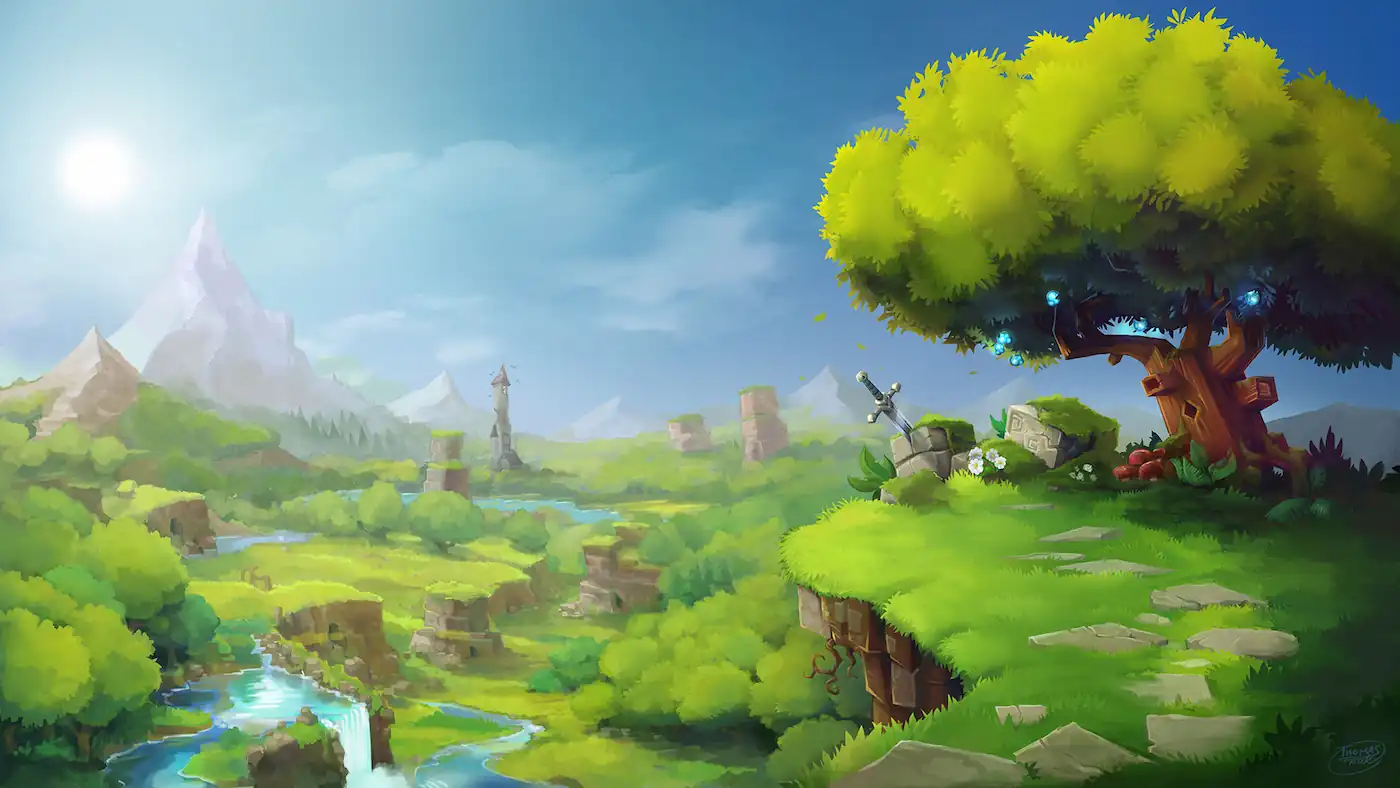
Hytale's first early access chapter, Chapter I: Out of the Breach, came out on 12 October 2026. Players get a lot to dig into: the Goblin Breach, the new Guttering Hollows biome, Deepworks (Hytale's first handcrafted dungeon) with the Feastmaster and the multi-phase Gobliterator boss fight, Ability Runestones, gadgets like the Hookshot and the Scrap Glider, and two minigames, Prop Hunt and Shuffle Jam.
If you run a server, the most useful part sits further down the patch notes. Here is what changed, what to check before you update, and how the update reaches your CloudNord server.
What Chapter I is
Hytale is still in early access, and the road to version 1.0 is being released in chapters. Out of the Breach is the first of them. It ships as Update 7, which is server build 0.7.0. Your existing worlds come with you: Hytale upgrades each one the first time it loads on the new build, so there is no need to start over.
What changed for servers
From the official patch notes:
- Less work every tick. Ticking blocks, fluids and farmland now costs the server less, breaking a block no longer stops to load chunks, and creatures far from players look for opponents less often. Blocks, fluids and creatures far above or below players pause until someone gets close.
- Lower memory use and smaller saves. Servers compress world data more efficiently as they save, which lowers memory use on busy servers, and saved worlds take up less disk space than before.
- Smoother play. Teleports and respawns are no longer held up while the server generates terrain somewhere else, data is no longer lost when too much is sent at once, and servers close connections cleanly when they shut down, so nobody sits waiting for a timeout.
- Better admin tools. Bans and kicks close every connection an account has open. Gameplay rules are sent to players when they join and again whenever the rules reload. A view radius set outside 1 to 32 is now clamped with a warning instead of stopping the server from booting.
Back up first: the world upgrade only goes one way
When an existing world loads on Chapter I for the first time, Hytale converts it to a new save format. That step cannot be undone. Once a world has loaded on the new build, an older server can no longer open it.
So if you might want to go back, for example because a mod you rely on has not caught up yet, keep a copy from before the server restarts onto the new version. Your server already has automatic daily backups, and you can grab your own copy first by archiving your world folder in the Files tab and downloading it. If you'd like us to take a fresh restore point before you update, just ask.
Client and server versions must match
Update 7 changes the network protocol, so a player on the Chapter I client and a server on an older build cannot talk to each other. Once your players have updated their game, an old server will not let them in, so don't put the server update off for long.
Mods and plugins: what to check
Chapter I reworks a large part of the modding API. Block changes now go through world sections (BlockOperations.setBlock), the old chunk accessor calls are gone, the chunk ticking flags were removed, and settings such as block placing and breaking moved into the world's gameplay config. Any mod or plugin built for an earlier update that touches those parts will need a new version from its author.
Before you update, go through your mod list and check each mod's page for a Chapter I or Update 7 release. If something your server cannot run without is not ready, hold off on the restart until it is. After the update, keep an eye on the console during the first start, and remove or update anything that fails to load.
There is good news too: mods can now contain whole worlds, which show up in your world list once installed, and a world made from one stays even if the mod is removed. On CloudNord, every Hytale server has a Mods tab that searches CurseForge and installs mods in one click, or you can upload your own over SFTP.
How to update your CloudNord server
There is nothing to download by hand. Every Hytale server on CloudNord asks Hytale's official downloader for the newest build each time it starts and installs it before booting. Your world and config files stay exactly where they are.
- Check that your mods are ready for Chapter I.
- Grab your own copy of the world: archive the world folder in the Files tab and download it. Your automatic daily backups are there too, and we can take a fresh restore point if you ask.
- Restart the server at a quiet moment, when nobody is online.
- Watch the console as it boots. It should report version 0.7.0. Then join and check that your world looks right.
New servers install Chapter I straight away and start with a 100 player limit in config.json, which you can change. New to it? Our guides on starting a Hytale server and uploading an existing world cover the first setup.
Play Chapter I with your friends
If you want somewhere for your group to take on the Gobliterator together, our Hytale server hosting is ready for Chapter I today. Servers come with DDoS protection, automatic backups and full file and console access, and changing plan takes one click if your world grows.
For the full list of changes, read Hytale's own Chapter I: Out of the Breach announcement and the Update 7 patch notes for modders.