Summer sale 10% off for life no code needed applied automatically at checkout

Game server hosting

Terraria server hosting

Spawn your server in about a minute.

Terraria server hosting CloudShield DDoS protection and automatic backups included.
From
$7.89 $7.10/mo
Summer sale · 10% off for life
Terraria Game Banner
Terraria Ready to deploy
Server browser
Your Terraria server Ready to deploy 3–24 GB Your choice ~60s $7.89 $7.10/mo
Build your server

No card needed. Keep it any time and your world carries over.

Minecraft: Java Edition $5.29 $4.76 Minecraft: Crossplay $5.29 $4.76 Project Zomboid $5.29 $4.76 Hytale $13.09 $11.78

Pick your plan

Per-GB pricing, no setup fees, upgrade any time.

Summer sale — 10% off for life · no code needed

Build your server
GB
DDR5 RAM
$ $/mo
Start small — you can upgrade in one click as your community grows. Deploy now
Starter
$7.89
$7.10 /mo
Vanilla worlds and small crews.
3 GB DDR5 RAM
NVMe storage
4–8 players
Automatic backups
DDoS protection
Select
Most picked
Pro
$20.89
$18.80 /mo
Modpacks and mid-size communities.
8 GB DDR5 RAM
NVMe storage
8–16, with large packs
Automatic backups
DDoS protection
Select
Dedicated
$62.59
$56.33 /mo
Whole-node performance for big networks.
24 GB DDR5 RAM
NVMe storage
8–16, with large packs
Automatic backups
DDoS protection
Select
5/5 What CloudNord customers say

good pricing

good pricing, quick support, easy to use panel, no complaints

Juniper Brooks Aug 2026

Absolutly amazing customer support

Absolutly amazing customer support + amazing server quality! No issues whatsoever. Amazing price vs other hosting services

Franciszek Kalinowski Aug 2026

Really good quick support to fix server

Really good quick support to fix server cheap prices and 24/7 hosting :)

Greg Aug 2026

Cloudnord is the best

Cloudnord is the best. Defiently going to continue using them. Very user friendly. Active. Great relations. Very supportive

TazElite Aug 2026

Very good customer service

Very good customer service and a very good hosting service

Ludmil Kolarov Aug 2026

CloudNord Sets a High Bar

After trying a number of hosting providers over the years, CloudNord has quickly become one of the most impressive I've used. Getting started was straightforward from the moment I signed up. The pricing is excellent for the hardware on offer, and there are plenty of configuration choices without the whole process feeling overwhelming. The management panel is clean, responsive, and easy to navigate. Performance has been consistently reliable too — my community has enjoyed smooth gameplay with no noticeable lag or stability problems.

Andy Taylor Jul 2026

Built for Terraria

tModLoader support

Install and update mods from the panel.

World generation control

Size, difficulty and game rules, set before first launch.

8-player default

Upgrade any time as your world grows.

Automatic backups

World data and inventories, restorable in one click.
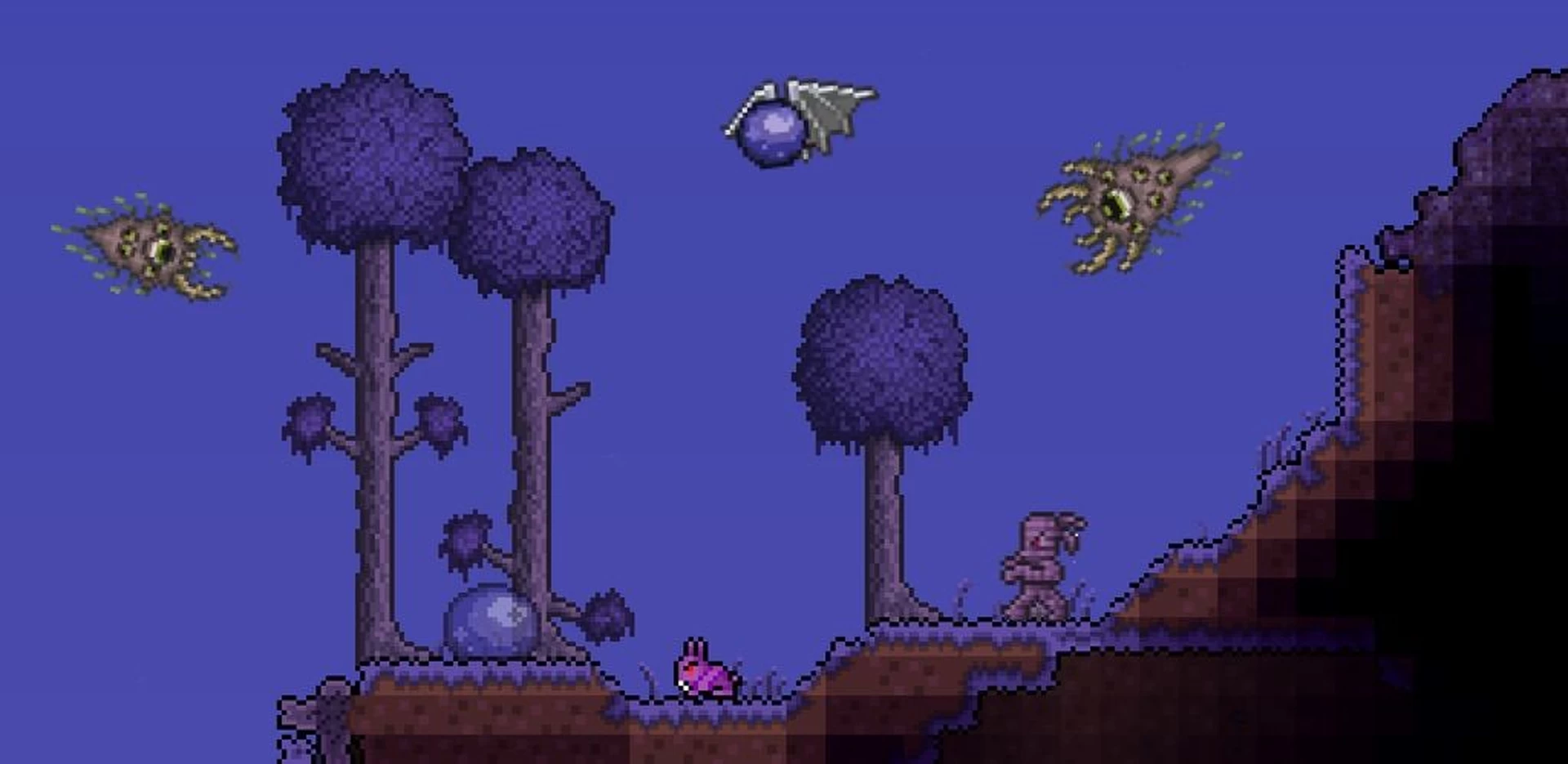
Terraria Multiplayer Adventure
Multiplayer adventure

Epic World Exploration

Embark on grand adventures with friends in vast, procedurally generated worlds. Mine resources, build magnificent structures, and face challenging bosses together in this expansive sandbox experience.

Diverse biomes

Rich Environments

Explore unique biomes from lush forests to treacherous dungeons, each filled with distinct enemies, treasures, and resources to discover.
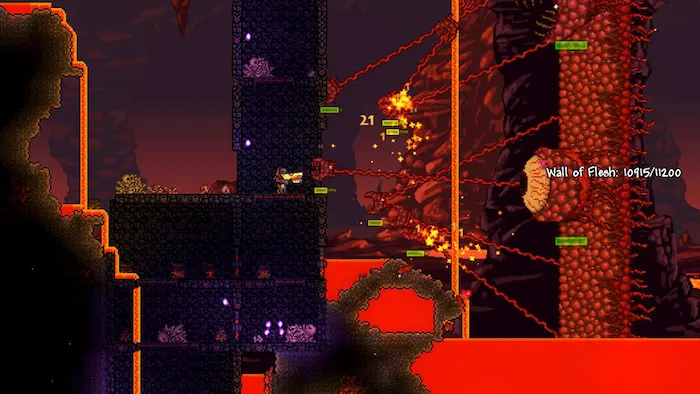
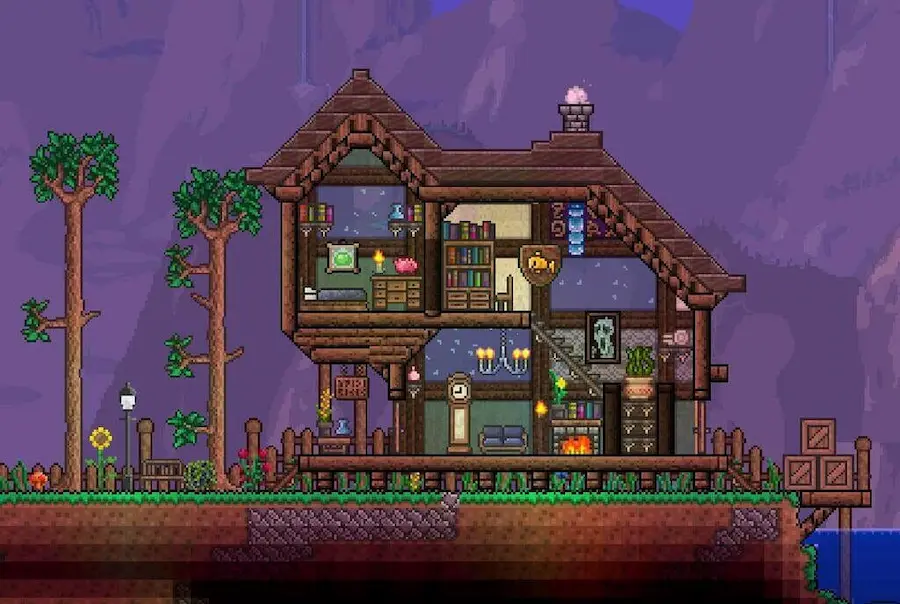
Terraria Boss Battles
Terraria Crafting and Items
Crafting and items

Extensive Item System

Craft and collect hundreds of unique weapons, tools, and accessories. Build your character's equipment loadout from a vast array of options to suit your playstyle.

Featured partners

Creators who run their communities on CloudNord.

Distant Horizons Distant Horizons
Theomonty Theomonty
JustAen JustAen
Dokibird Dokibird
Goutros Goutros
Bricks 'O' Brian Bricks 'O' Brian

Every plan includes

Instant automated setup
Full SFTP + file manager
Automatic game updates
One-click modpack installs
Free migrations
Automatic backups
3-day full refund
DDoS protection, always on
The detail

Running a Terraria server

Terraria asks less of a server than most games. A vanilla world for a few friends runs comfortably on a small plan and stays that way for a whole playthrough. What changes the picture is mods: tModLoader loads content into the game itself, so memory use climbs with the pack, and every player has to match the server exactly. TShock takes the other route, adding commands, regions and anti-grief while players connect with the stock game.
Terraria

How much RAM do you need?

1–4 players 2 GB A small vanilla world on classic difficulty.
4–8 players 3 GB A large world, expert or master mode.
Up to 8, with mods 4 GB tModLoader with a moderate mod list.
8–16, with large packs 6–8 GB Calamity or Thorium on a large world.

A guide, not a limit — you can change plan later without losing your world.

Getting started

01
Pick a plan and a location

Terraria is modest on memory until mods arrive. Start at 2 GB for vanilla and more for tModLoader, then choose whichever of our 18 locations sits nearest your group.

02
Choose vanilla, TShock or tModLoader

Vanilla for straight co-op, TShock when you want commands, permissions and anti-grief, tModLoader when you want mods. Install whichever one you need from the panel.

03
Generate or upload your world

Set size, difficulty and seed and let the server build one, or upload an existing .wld file with its matching .twld over SFTP. Both files have to travel together.

04
Set a password and connect

Add a server password in the config, then join through Multiplayer and Join via IP using your address and port. On tModLoader, everyone needs the same mod list.

Split your server

Turn one server into two, for the same money

Need a database, a test server or a second world? Split RAM off the server you already have. You are re-allocating memory you already pay for, so the total barely moves — no second order, no migration.

Before
8 GB RAM

Terraria

per month $20.89
After
6 GB RAM

Terraria

Same world, same players, same address.

per month $15.69
After
2 GB RAM

MariaDB

A database server of your own.

per month $5.29

$20.89 before · $20.98 after — two servers, one bill

Database servers

A real database, not a shared one

Split off a database and you get your own MariaDB, PostgreSQL or MongoDB server — its own RAM, its own storage, its own version. Not a schema on a box shared with a thousand other people.

Your own instance

Dedicated RAM and CPU. A heavy query on someone else's database can't slow yours down.

Pick your engine and version

MariaDB, PostgreSQL or MongoDB, each with every version worth running — choose at creation, keep it until you decide otherwise.

Manage it in the panel

Create databases and users, browse tables and run queries from the browser.

Reachable from your servers

Point your plugins at it over the private network — no public exposure needed.

Splitting is done from your server's page once it is running — nothing to order.

FAQ

Before you order

The things people ask about Terraria hosting before they deploy. Anything else — the crew is around 24/7.

Ask on Discord
8 by default — upgrade your plan for more.
Yes — install, update and manage mods for tModLoader from the control panel.
World size, difficulty and game rules, set at creation or changed later.
AMD Ryzen 7 7700 or equivalent, with DDR5 RAM and NVMe SSDs.
Automatic or manual, your choice — we test compatibility before rolling anything out.
TShock is a server-side mod: it adds commands, permissions, regions and anti-grief, and players connect with an unmodified game. tModLoader is a content loader that changes the game itself, so every player must run the same loader and the same mods. You cannot run both at once — pick the one that matches what you want.
On tModLoader, yes. Everyone needs the same mods at the same versions or they are turned away at the join screen, though tModLoader can pull the list from the server to make that painless. On TShock or vanilla, players install nothing and connect with the standard game.
Yes. Find the .wld file and its matching .twld in your local Terraria worlds folder, upload both, and point the server config at that world name. Keep the same game version and mod list — a world saved under a large content pack will not open without it.
Considerably more than vanilla. A small handful of mods sits comfortably on 3 to 4 GB. Large content packs such as Calamity or Thorium, especially on a large world with several players, are happier at 6 GB or more. Add the headroom before you add the mods, not after.
On TShock, create an account using the setup code the server prints on first boot, log in with /login, and use commands in chat from then on. Vanilla servers accept commands only from the console, which you reach through the panel — there is no in-game admin on vanilla.

18 locations worldwide

A global network of high-performance nodes, so you get the best possible ping no matter where your players are.

All regions online
CloudNord server locations worldwide
Nuremberg de
Helsinki fi
London gb
Stockholm se
Paris fr
Amsterdam nl
New York us
Philadelphia us
Washington DC us
Boston us
Dallas us
Phoenix us
Portland us
Montréal ca
Singapore sg
Mumbai in
Tokyo jp
Brasília br
Europe Nuremberg Helsinki London Stockholm Paris Amsterdam
North America New York Philadelphia Washington DC Boston Dallas Phoenix Portland Montréal
Asia-Pacific Singapore Mumbai Tokyo
South America Brasília
CloudShield

DDoS protection, included

Every server sits behind always-on filtering at the network edge. Attack traffic is dropped before it reaches your node, so your players stay connected and you are not billed extra for the privilege.

On by default

Nothing to enable, configure or buy as an add-on. Active from the moment your server is created.

Filtered at the edge

Volumetric traffic is dropped upstream of your node, so your CPU and RAM keep serving players.

Game-aware filtering

Rules are tuned for game protocols, so real players are not caught alongside the attack traffic.

Nothing for you to do

Mitigation starts automatically. If something does get through, support can see it and respond.

Attacks, dropped Players, through
Enterprise network

Powered by a 10Gbps network

Every node sits on a 10Gbps uplink with direct routes into the major exchanges, so traffic reaches your players over as few hops as possible. Less distance, fewer transits, lower and steadier ping.

10 Gbps
Uplink on every node
99.9%
Uptime target
24/7
Network monitoring

Direct peering with Tier 1 networks and major exchanges. Availability varies by location.

Same infrastructure, every game

AMD Ryzen 7 7700 or equivalent nodes, DDR5 RAM, NVMe storage and a 10Gbps network, in 18 locations across Europe, North America, Asia-Pacific, South America and Oceania.

Start your Terraria server

Deployed in seconds. Backed by humans, 24/7.