Game server hosting
Minecraft: Java Edition server hosting
Spawn your server in about a minute.
Minecraft: Java Edition server hosting CloudShield DDoS protection and automatic backups included.

No card needed. Keep it any time and your world carries over.




Pick your plan
Per-GB pricing, no setup fees, upgrade any time.
Halloween sale · 15% off for life · code HALLOWEEN15
Built for Minecraft: Java Edition
Run your own custom JAR files, not just the presets.
FTB, CurseForge, Technic, VoidsWrath, ATLauncher and Modrinth, all pre-integrated.
Dynmap, Squaremap, LiveAtlas and Pl3xmap are fine for browser-based world viewing.
Pick a plan for your community size. The limit is your hardware, not us.
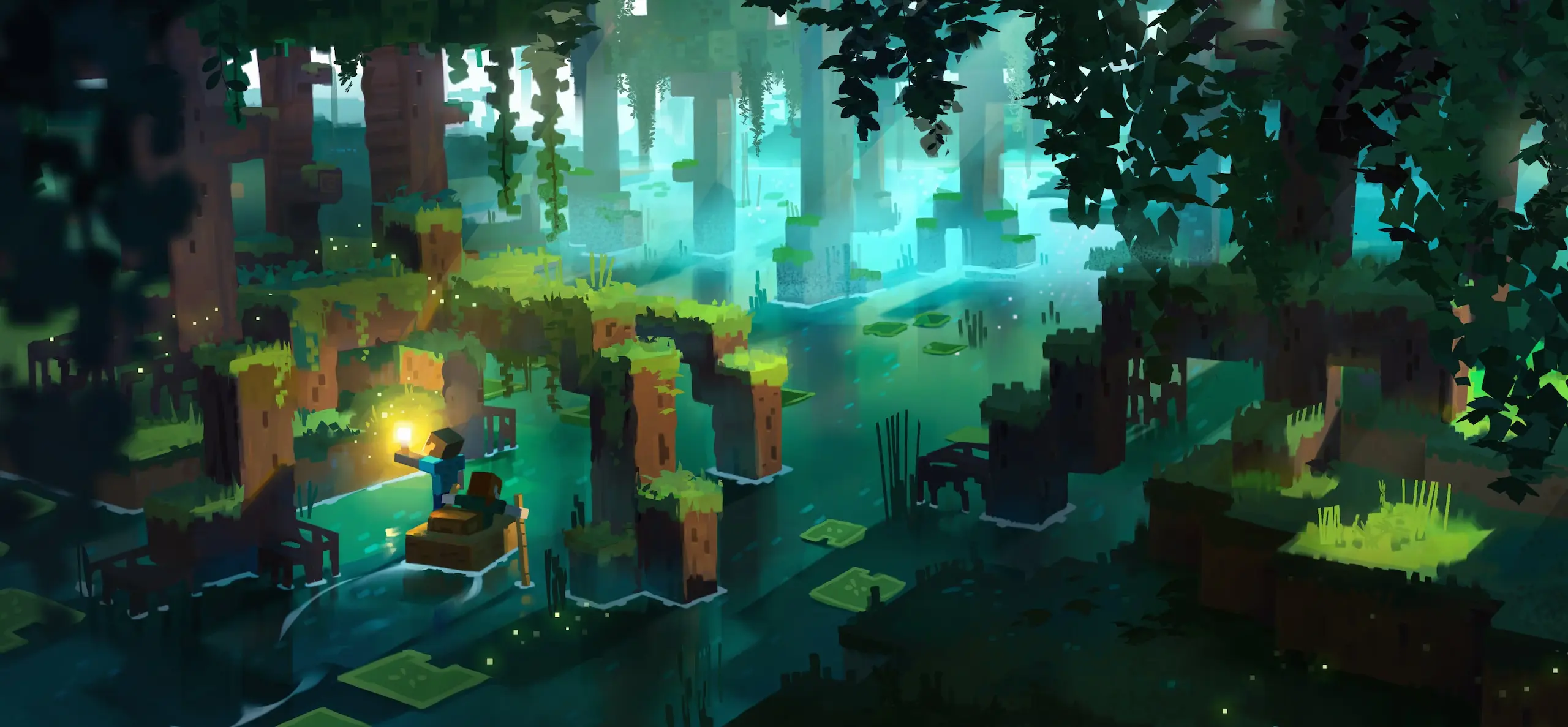
Face the mobs
Battle or befriend everything the night sends at you. Difficulty, mob spawning and hostile caps are all server settings, so you decide whether your world is a gentle build session or a fight to see the morning.
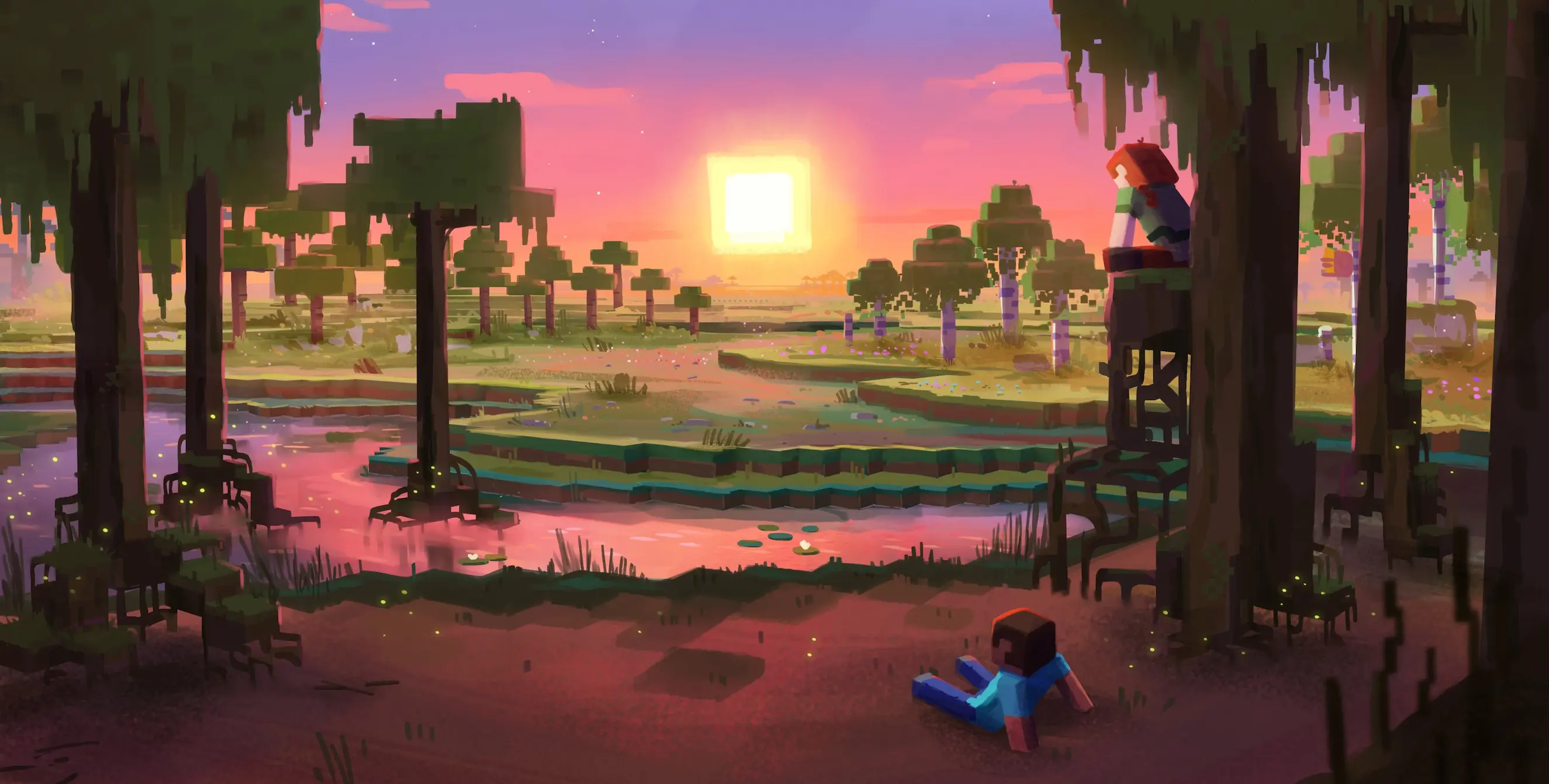
Explore vast biomes
Journey through biomes that each hide their own resources and structures. Java generates the world as your players walk into it, so give the plan room: an explored world grows on disk and in RAM long after day one.
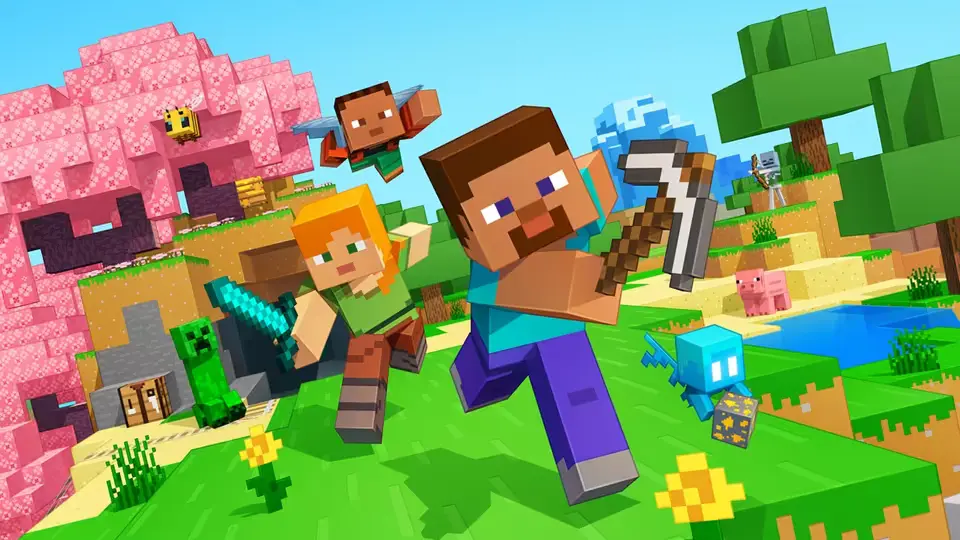
Run Paper, Forge or Fabric
Java is the edition the modding scene builds for. Swap between Vanilla, Paper, Forge and Fabric from the panel, install a modpack in one click, and add plugins without touching a config file by hand.
Creators who run their communities on CloudNord.






Every plan includes
- Instant automated setup
- Full SFTP + file manager
- Automatic game updates
- One-click modpack installs
- Free migrations
- Automatic backups
- 3-day full refund
- DDoS protection, always on
Running a Minecraft: Java Edition server
A Minecraft server is mostly a question of what you run on it. Vanilla stays faithful, Paper trades a little parity for a lot of headroom, and Forge or Fabric open the door to modpacks that will happily use every gigabyte you give them. Your world, your plugins and your player count all pull on the same RAM, so size the plan for the heaviest of the three. Backups, updates and DDoS protection run without you.
How much RAM do you need?
A guide, not a limit: you can change plan later without losing your world.
Getting started
Size the RAM for your mod list rather than your player count — modpacks are the memory-hungry part. Then take the nearest of our 18 locations to the people you play with.
Vanilla for exact parity, Paper or Purpur for plugins and headroom, Fabric or Forge for mods. Install it from the panel, or upload a custom JAR if you would rather.
Upload an existing save over SFTP, or let the server build a fresh world on first boot. Set the seed, difficulty and game mode in server.properties before you start it.
If the server feels heavy, drop view distance and simulation distance first and pre-generate chunks. Turn on the whitelist, share the address, and backups run from then on.
Turn one server into two, for the same money
Need a database, a test server or a second world? Split RAM off the server you already have. You are re-allocating memory you already pay for, so the total barely moves — no second order, no migration.
Minecraft: Java Edition
Minecraft: Java Edition
Same world, same players, same address.
MariaDB
A database server of your own.
$28.19 before · $28.58 after — two servers, one bill
A real database, not a shared one
Split off a database and you get your own MariaDB, PostgreSQL or MongoDB server — its own RAM, its own storage, its own version. Not a schema on a box shared with a thousand other people.
Dedicated RAM and CPU. A heavy query on someone else's database can't slow yours down.
MariaDB, PostgreSQL or MongoDB, each with every version worth running — choose at creation, keep it until you decide otherwise.
Create databases and users, browse tables and run queries from the browser.
Point your plugins at it over the private network — no public exposure needed.
Splitting is done from your server's page once it is running — nothing to order.
Before you order
The things people ask about Minecraft: Java Edition hosting before they deploy. For anything else, ask on Discord or open a ticket; most get a first reply within 15 minutes.
Ask on Discord18 locations worldwide
A global network of high-performance nodes, so you get the best possible ping no matter where your players are.


DDoS protection, included
Every server sits behind always-on filtering at the network edge. Attack traffic is dropped before it reaches your node, so your players stay connected and you are not billed extra for the privilege.
- On by default
- Nothing to enable, configure or buy as an add-on. Active from the moment your server is created.
- Filtered at the edge
- Volumetric traffic is dropped upstream of your node, so your CPU and RAM keep serving players.
- Game-aware filtering
- Rules are tuned for game protocols, so real players are not caught alongside the attack traffic.
- Nothing for you to do
- Mitigation starts automatically. If something does get through, support can see it and respond.
Short routes to your players
We pick data centres for their routes as much as their price: direct paths into the major exchanges, so traffic reaches your players over as few hops as possible. Less distance, fewer transits, steadier ping.
Uplinks are 10 to 25 Gbit on the newer nodes and 1 Gbit on the rest. A busy game server moves a few megabits, so the uplink is never the limit; the route is.
Same price, every location
NVMe nodes with DDoS filtering and backups included, in 18 locations across Europe, North America, Asia and South America. Every game costs the same wherever you put it.
View all locationsStart your Minecraft: Java Edition server
Online in about a minute. Three-day refund window. Cards and PayPal.