Game server hosting
Minecraft: Bedrock Edition server hosting
Spawn your server in about a minute.
Minecraft: Bedrock Edition server hosting CloudShield DDoS protection and automatic backups included.
No card needed. Keep it any time and your world carries over.



Pick your plan
Per-GB pricing, no setup fees, upgrade any time.
Halloween sale — 15% off for life · code HALLOWEEN15
Built for Minecraft: Bedrock Edition
Console, mobile and Windows players, one server.
Same policy as Java — pick a plan for your community size.
Plenty for worlds and add-ons, raised on request.
New releases roll out without a manual reinstall.
Console, phone and Windows
Bedrock is the edition that runs on everything that is not a PC. Add the address once under Servers and your world is waiting on the Switch, the Xbox, the PlayStation and the phone in someone else's pocket.
Behaviour and resource packs
Bedrock customises through add-ons rather than Java mods. Upload behaviour and resource packs to the server and every player gets them on join, with no downloads to chase and no version to match.
Mobs, tuned by you
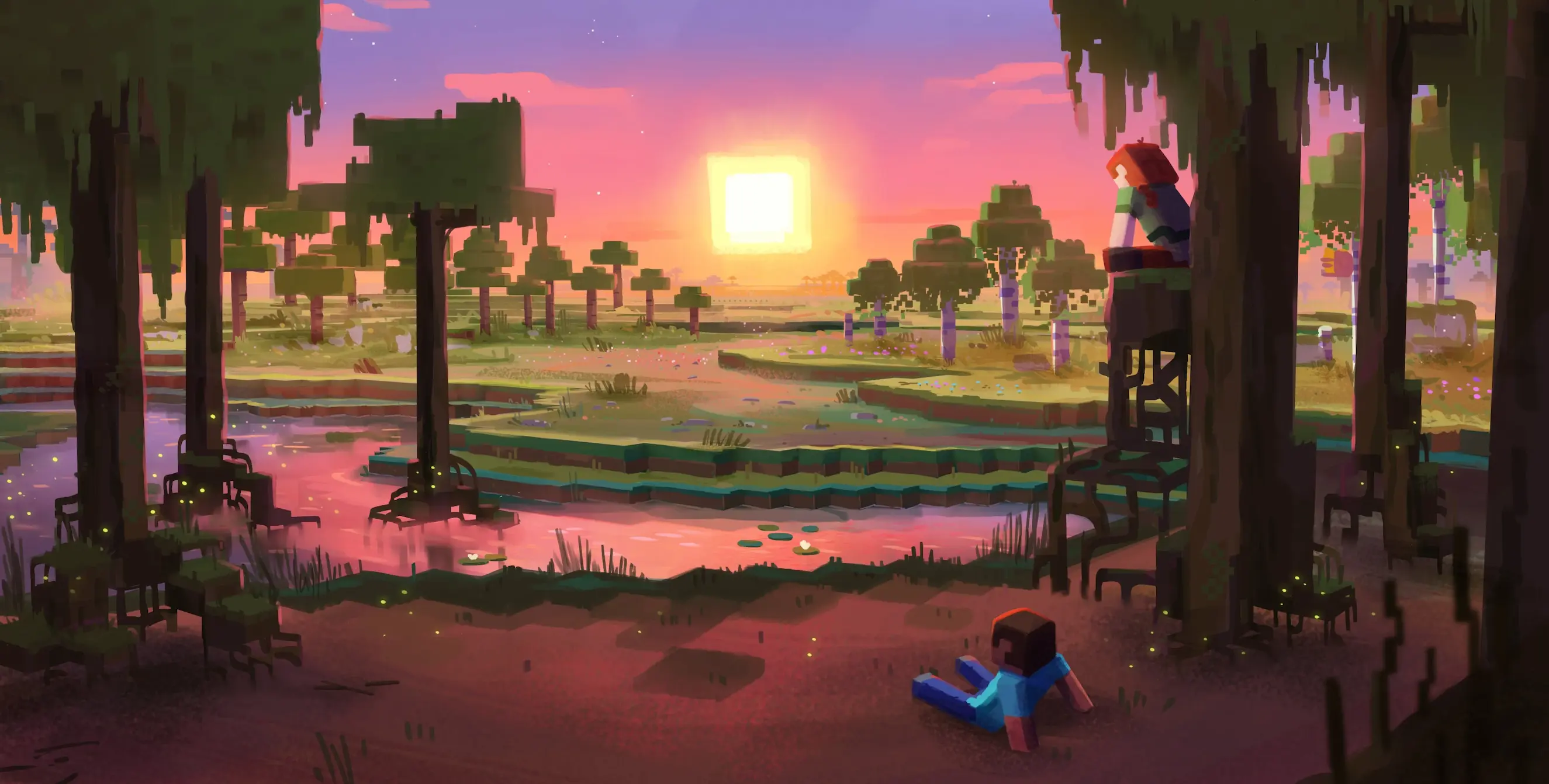
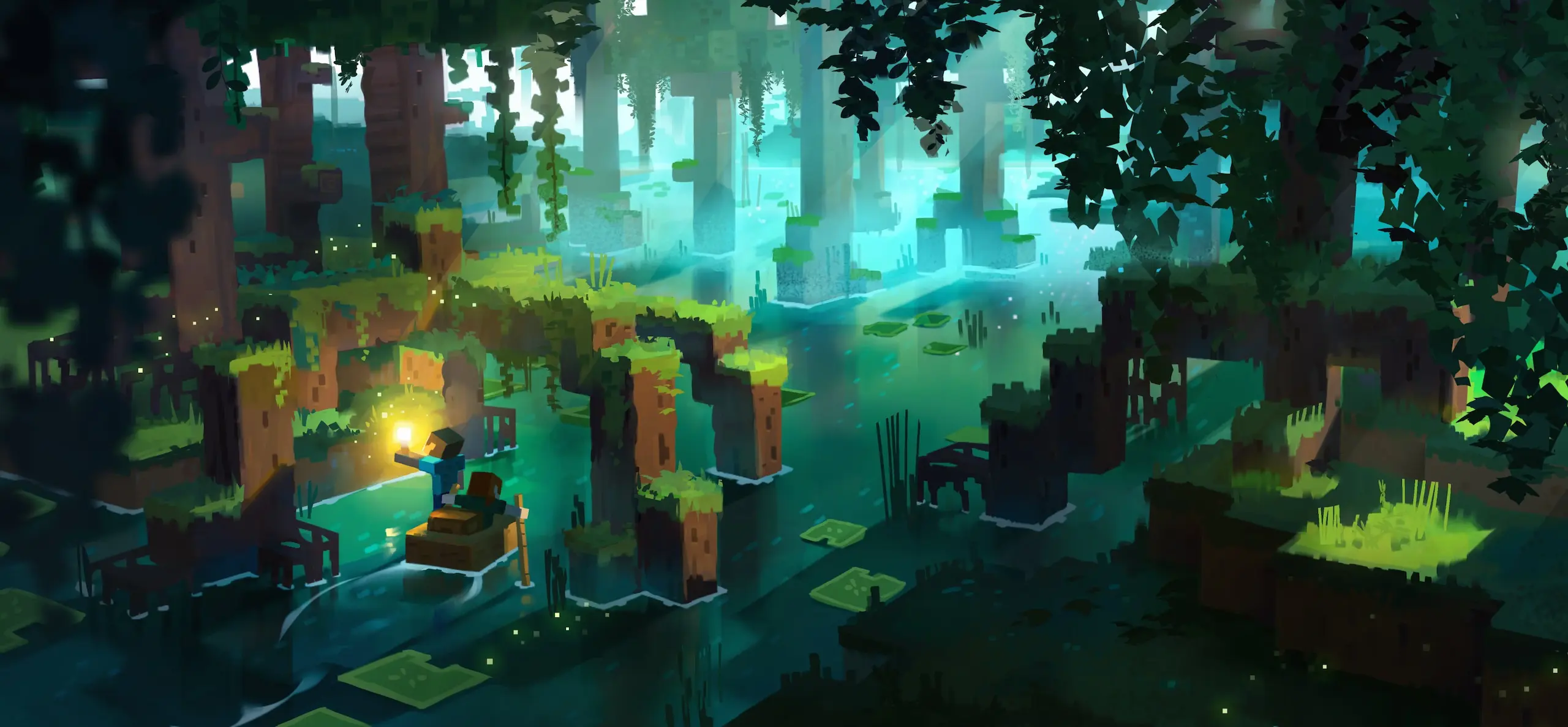
Bedrock spawns and fights a little differently to Java, and the server properties reflect that. Difficulty, PvP, the player limit and the world seed are all yours to set, before or after the first night.
Creators who run their communities on CloudNord.





Every plan includes
Running a Minecraft: Bedrock Edition server
Bedrock Dedicated Server is a different animal from Java. There is no plugin API, so customisation runs through add-ons — behaviour packs and resource packs made of JSON and script rather than Java code. It is lighter on memory as a result, and far stricter about versions, since clients must match the server build to connect at all. Worlds move across from a phone, tablet or PC as a folder you upload, and the allowlist keeps everyone else out.
How much RAM do you need?
A guide, not a limit — you can change plan later without losing your world.
Getting started
Bedrock is lighter on memory than Java, so size for world activity and add-ons rather than headcount alone. Take the nearest of our 18 locations to most of your players.
Choose level name, seed, game mode and difficulty in server.properties. Or upload an existing world folder over SFTP — a save exported from a phone, tablet or PC works.
Put packs in behavior_packs and resource_packs, then reference them in the JSON files inside the world folder. Switch on any experimental toggles a pack depends on.
Add players to allowlist.json to keep the server private, and give yourself operator in permissions.json. Then share the address and the port, which Bedrock clients need typed in.
Turn one server into two, for the same money
Need a database, a test server or a second world? Split RAM off the server you already have. You are re-allocating memory you already pay for, so the total barely moves — no second order, no migration.
Minecraft: Bedrock Edition
Minecraft: Bedrock Edition
Same world, same players, same address.
MariaDB
A database server of your own.
$28.19 before · $28.58 after — two servers, one bill
A real database, not a shared one
Split off a database and you get your own MariaDB, PostgreSQL or MongoDB server — its own RAM, its own storage, its own version. Not a schema on a box shared with a thousand other people.
Dedicated RAM and CPU. A heavy query on someone else's database can't slow yours down.
MariaDB, PostgreSQL or MongoDB, each with every version worth running — choose at creation, keep it until you decide otherwise.
Create databases and users, browse tables and run queries from the browser.
Point your plugins at it over the private network — no public exposure needed.
Splitting is done from your server's page once it is running — nothing to order.
Before you order
The things people ask about Minecraft: Bedrock Edition hosting before they deploy. Anything else — the crew is around 24/7.
Ask on Discord18 locations worldwide
A global network of high-performance nodes, so you get the best possible ping no matter where your players are.


DDoS protection, included
Every server sits behind always-on filtering at the network edge. Attack traffic is dropped before it reaches your node, so your players stay connected and you are not billed extra for the privilege.
Nothing to enable, configure or buy as an add-on. Active from the moment your server is created.
Volumetric traffic is dropped upstream of your node, so your CPU and RAM keep serving players.
Rules are tuned for game protocols, so real players are not caught alongside the attack traffic.
Mitigation starts automatically. If something does get through, support can see it and respond.
Powered by a 10Gbps network
Every node sits on a 10Gbps uplink with direct routes into the major exchanges, so traffic reaches your players over as few hops as possible. Less distance, fewer transits, lower and steadier ping.
Direct peering with Tier 1 networks and major exchanges. Availability varies by location.
Same infrastructure, every game
AMD Ryzen 7 7700 or equivalent nodes, DDR5 RAM, NVMe storage and a 10Gbps network, in 18 locations across Europe, North America, Asia-Pacific, South America and Oceania.
Start your Minecraft: Bedrock Edition server
Deployed in seconds. Backed by humans, 24/7.