夏季促销 10% 优惠,终身有效 无需优惠码 结账时自动生效

游戏服务器托管

Terraria 服务器托管

大约一分钟即可创建您的服务器。

Terraria server hosting 包含 CloudShield DDoS 防护和自动备份。

$7.89 $7.10/月
夏季促销 · 10% 优惠,终身有效
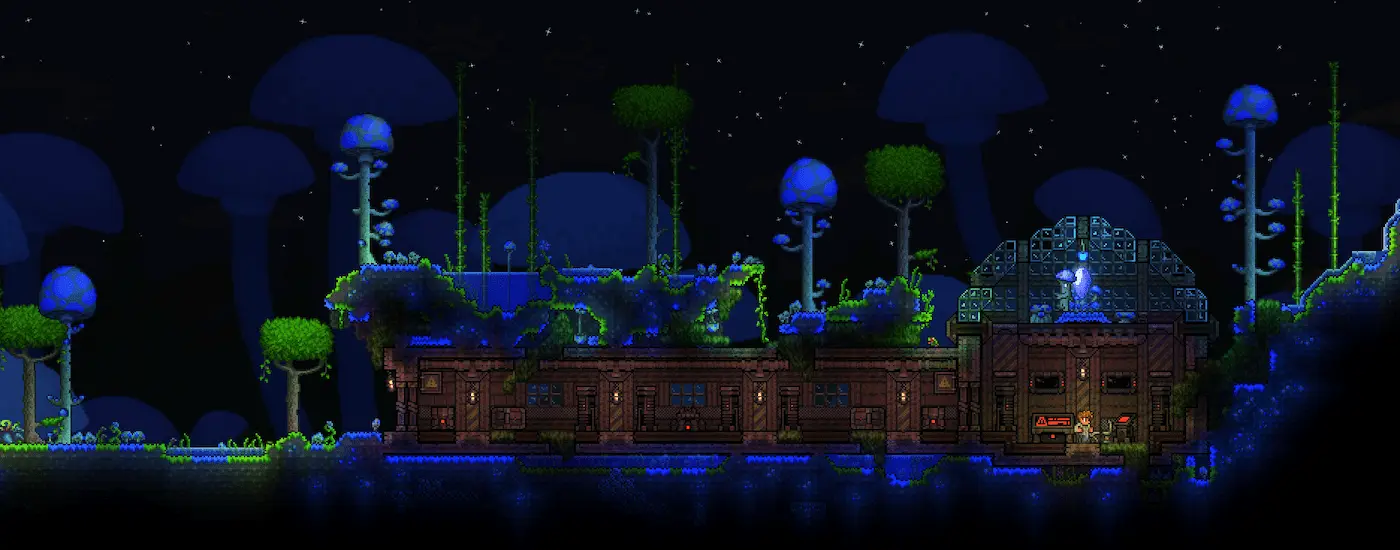
Terraria Game Banner
Terraria 准备部署
服务器浏览器
您的 Terraria 服务器 准备部署 3–24 GB 您的选择 ~60s $7.89 $7.10/月
构建您的服务器

无需银行卡。随时保留它,您的世界将得以保留。

Minecraft: Java Edition $5.29 $4.76 Minecraft: Crossplay $5.29 $4.76 Project Zomboid $5.29 $4.76 Hytale $13.09 $11.78

选择您的套餐

按GB计费,无设置费,随时升级。

夏季促销 — 10% 优惠,终身有效 · 无需优惠码

构建您的服务器
GB
DDR5 RAM
$ $/月
从小规模开始——随着社区发展,您可一键升级。 立即部署
Starter
$7.89
$7.10 /月
原版世界和小型团队。
3 GB DDR5 RAM
NVMe 存储
4–8 players
自动备份
DDoS 防护
选择
最受欢迎
Pro
$20.89
$18.80 /月
Modpack 和中型社区。
8 GB DDR5 RAM
NVMe 存储
8–16, with large packs
自动备份
DDoS 防护
选择
Dedicated
$62.59
$56.33 /月
为大型网络提供整节点性能。
24 GB DDR5 RAM
NVMe 存储
8–16, with large packs
自动备份
DDoS 防护
选择
5/5 What CloudNord customers say

good pricing

good pricing, quick support, easy to use panel, no complaints

Juniper Brooks Aug 2026

Absolutly amazing customer support

Absolutly amazing customer support + amazing server quality! No issues whatsoever. Amazing price vs other hosting services

Franciszek Kalinowski Aug 2026

Really good quick support to fix server

Really good quick support to fix server cheap prices and 24/7 hosting :)

Greg Aug 2026

Cloudnord is the best

Cloudnord is the best. Defiently going to continue using them. Very user friendly. Active. Great relations. Very supportive

TazElite Aug 2026

Very good customer service

Very good customer service and a very good hosting service

Ludmil Kolarov Aug 2026

CloudNord Sets a High Bar

After trying a number of hosting providers over the years, CloudNord has quickly become one of the most impressive I've used. Getting started was straightforward from the moment I signed up. The pricing is excellent for the hardware on offer, and there are plenty of configuration choices without the whole process feeling overwhelming. The management panel is clean, responsive, and easy to navigate. Performance has been consistently reliable too — my community has enjoyed smooth gameplay with no noticeable lag or stability problems.

Andy Taylor Jul 2026

专为 Terraria 打造

tModLoader支持

从面板安装和更新模组。

世界生成控制

尺寸、难度和游戏规则,首次启动前设置。

默认 8 玩家

随着您的世界发展,随时升级。

自动备份

世界数据和物品栏,一键恢复。

Terraria Multiplayer Adventure
多人冒险

史诗世界探索

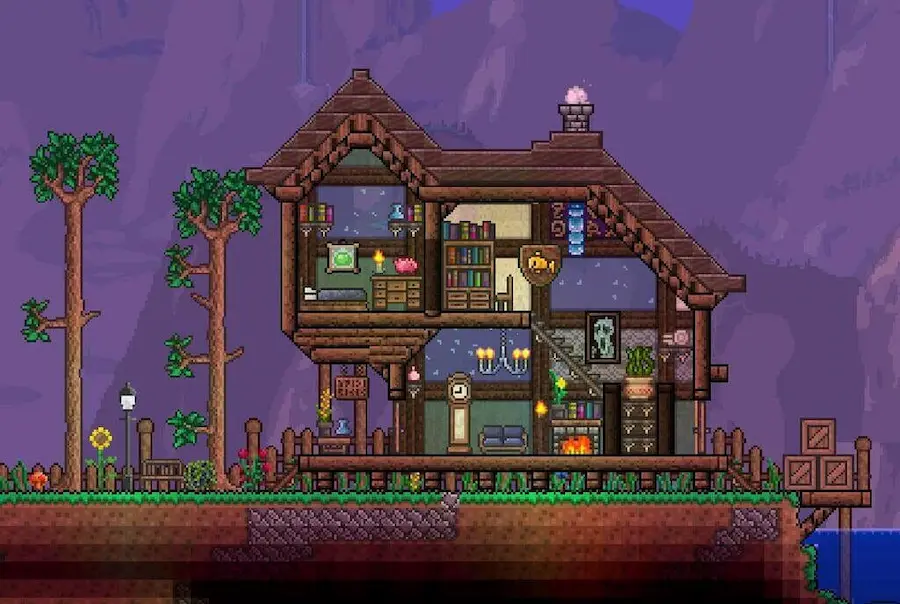
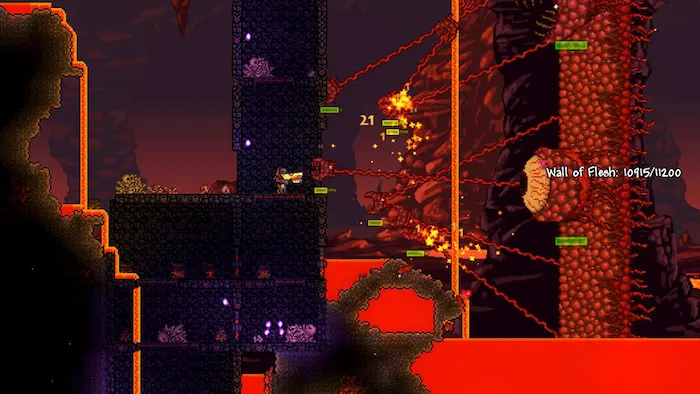
在广阔的、程序生成的世界中与朋友一起踏上宏伟的冒险。在这个广阔的沙盒体验中,共同开采资源、建造宏伟的建筑并面对具有挑战性的首领。

多样生物群系

丰富环境

探索从茂密森林到险恶地牢的独特生物群落,每个都充满了独特的敌人、宝藏和待发现的资源。
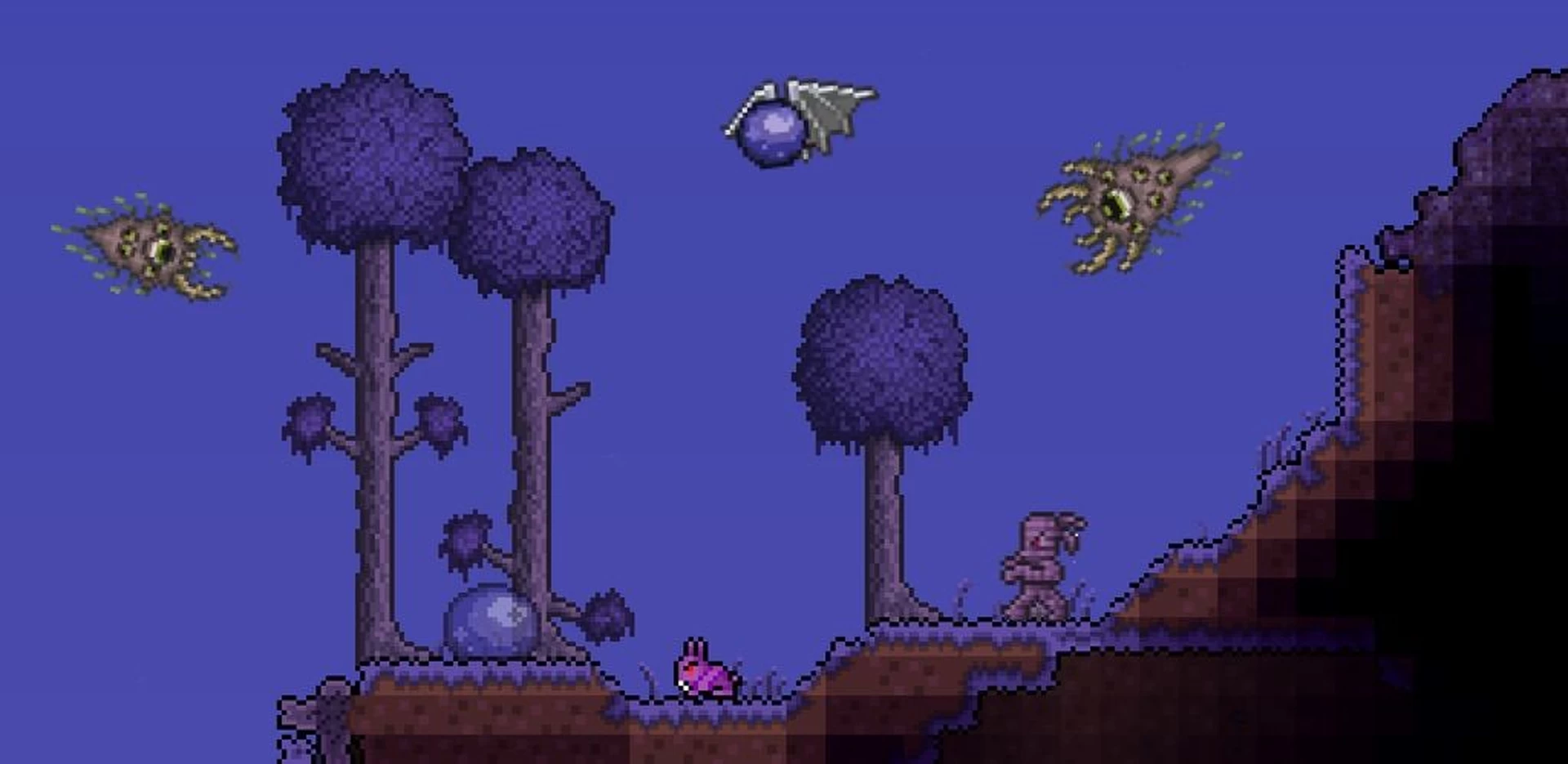
Terraria Boss Battles
Terraria Crafting and Items
制作与物品

丰富的物品系统

制作并收集数百种独特的武器、工具和配件。从众多选项中构建你的角色装备配置,以适应你的游玩风格。

精选合作伙伴

在 CloudNord 上运营社区的创作者

Distant Horizons Distant Horizons
Theomonty Theomonty
JustAen JustAen
Dokibird Dokibird
Goutros Goutros
Bricks 'O' Brian Bricks 'O' Brian

每个套餐都包含

即时自动化设置
完整的 SFTP + 文件管理器
自动游戏更新
一键 Modpack 安装
免费迁移
自动备份
3天全额退款
DDoS 防护,始终开启
详情

运行 Terraria 服务器

Terraria 对服务器的要求比大多数游戏低。一个供几个朋友使用的原版世界可以在小型套餐上舒适运行,并在整个游戏过程中保持这种状态。改变情况的是模组:tModLoader 将内容加载到游戏本身,因此内存使用量随模组包增加,并且每个玩家都必须与服务器完全匹配。TShock 则采取另一种方式,添加命令、区域和反破坏功能,而玩家则使用原版游戏连接。
Terraria

您需要多少内存?

1–4 玩家 2 GB 经典难度下的一个小型原版世界。
4–8 玩家 3 GB 大型世界,专家或大师模式。
最多8名玩家(含模组) 4 GB 带有适度模组列表的 tModLoader。
8–16 玩家,带大型整合包 6–8 GB 大型世界中的Calamity或Thorium。

仅供参考,并非限制 — 您可以稍后更改套餐,而不会丢失您的世界。

入门指南

01
选择方案和地点

Terraria 在模组出现之前对内存要求不高。原版游戏从 2 GB 开始,tModLoader 则需要更多,然后选择我们 18 个地点中离你的团队最近的一个。

02
选择原版、TShock 或 tModLoader

原版(Vanilla)用于纯粹的合作模式,TShock用于命令、权限和防破坏,tModLoader用于模组。从面板安装您需要的任何一个。

03
生成或上传您的世界

设置大小、难度和种子,让服务器生成一个,或者通过 SFTP 上传现有的 .wld 文件及其匹配的 .twld 文件。这两个文件必须一起传输。

04
设置密码并连接

在配置中添加服务器密码,然后通过多人游戏和使用您的地址和端口通过IP加入。在tModLoader上,每个人都需要相同的模组列表。

拆分您的服务器

将一台服务器变成两台,花费相同的钱

需要数据库、测试服务器或第二个世界?从您已有的服务器中拆分出内存。您正在重新分配已付费的内存,因此总费用几乎不变 — 无需二次订购,无需迁移。

之前
8 GB RAM

Terraria

/月 $20.89
之后
6 GB RAM

Terraria

相同的世界,相同的玩家,相同的地址。

/月 $15.69
之后
2 GB RAM

MariaDB

您自己的数据库服务器。

/月 $5.29

$20.89 之前 · $20.98 之后 — 两台服务器,一张账单

数据库服务器

真正的数据库,而非共享的

独立数据库服务,提供专属的 MariaDB、PostgreSQL 或 MongoDB 服务器,拥有独立的内存、存储和版本。告别与他人共享的数据库实例。

您自己的实例

专属内存和CPU。别人的数据库上的繁重查询不会拖慢您的速度。

选择引擎和版本

MariaDB、PostgreSQL 或 MongoDB,每个都提供所有可用版本 — 创建时选择,永久保留。

在面板中管理

从浏览器创建数据库和用户、浏览数据表并运行查询。

可从您的服务器访问

通过私有网络将您的插件指向它 — 无需公开暴露。

拆分操作在您的服务器运行后,从其页面进行 — 无需订购任何东西。

常见问题

下单前须知

人们在部署 Terraria 托管前常问的问题。其他任何问题 — 我们的团队全天候待命。

在 Discord 提问
默认 8 个 — 升级套餐以获取更多。
是 — 从控制面板安装、更新和管理tModLoader模组。
世界大小、难度和游戏规则,可在创建时设置或稍后更改。
AMD Ryzen 7 7700 或同等配置,配备 DDR5 内存和 NVMe SSD。
自动或手动,您选择 — 我们在推出前会测试兼容性。
TShock is a server-side mod: it adds commands, permissions, regions and anti-grief, and players connect with an unmodified game. tModLoader is a content loader that changes the game itself, so every player must run the same loader and the same mods. You cannot run both at once — pick the one that matches what you want.
On tModLoader, yes. Everyone needs the same mods at the same versions or they are turned away at the join screen, though tModLoader can pull the list from the server to make that painless. On TShock or vanilla, players install nothing and connect with the standard game.
Yes. Find the .wld file and its matching .twld in your local Terraria worlds folder, upload both, and point the server config at that world name. Keep the same game version and mod list — a world saved under a large content pack will not open without it.
Considerably more than vanilla. A small handful of mods sits comfortably on 3 to 4 GB. Large content packs such as Calamity or Thorium, especially on a large world with several players, are happier at 6 GB or more. Add the headroom before you add the mods, not after.
On TShock, create an account using the setup code the server prints on first boot, log in with /login, and use commands in chat from then on. Vanilla servers accept commands only from the console, which you reach through the panel — there is no in-game admin on vanilla.

全球18个地点

全球高性能节点网络,无论您的玩家身在何处,都能获得最佳ping值。

所有区域在线
CloudNord 全球服务器地点
Nuremberg de
Helsinki fi
London gb
Stockholm se
Paris fr
Amsterdam nl
New York us
Philadelphia us
Washington DC us
Boston us
Dallas us
Phoenix us
Portland us
Montréal ca
Singapore sg
Mumbai in
Tokyo jp
Brasília br
Europe Nuremberg Helsinki London Stockholm Paris Amsterdam
North America New York Philadelphia Washington DC Boston Dallas Phoenix Portland Montréal
Asia-Pacific Singapore Mumbai Tokyo
South America Brasília
CloudShield

DDoS 防护,已包含

每个服务器都位于网络边缘的常时过滤之后。攻击流量在到达您的节点之前即被丢弃,因此您的玩家保持连接,并且您无需为此特权支付额外费用。

默认开启

无需启用、配置或购买附加组件。服务器创建后即刻生效。

在边缘过滤

大量流量在您的节点上游被丢弃,因此您的 CPU 和 RAM 可以持续为玩家提供服务。

游戏感知过滤

规则针对游戏协议进行调整,确保真实玩家不会与攻击流量混淆。

无需操作

缓解措施自动启动。如果出现任何突破,支持团队可以看到并作出响应。

攻击,已拦截 玩家,已通过
企业网络

由10Gbps网络提供支持

每个节点都位于10Gbps上行链路,直接路由到主要交换中心,确保流量以最少跳数到达您的玩家。更短的距离,更少的传输,更低更稳定的ping。

10 Gbps
每个节点的上行链路
99.9%
正常运行时间目标
24/7
网络监控

与一级网络和主要交换中心直接对等互联。可用性因地点而异。

相同的基础设施,支持所有游戏

AMD Ryzen 7 7700 或同等节点、DDR5 内存、NVMe 存储和 10Gbps 网络,遍布欧洲、北美、亚太、南美和大洋洲的 18 个地点。

启动您的 Terraria 服务器

秒级部署。24/7 人工支持。