How to Add a Resource Pack to Your Minecraft Server
How to Add a Resource Pack to Your Minecraft Server
This guide explains how to upload a resource pack using MinecraftPack.net and make it automatically download for players when they join your Minecraft server.
Requirements
Before you begin, make sure you have:
-
A Minecraft server
-
A resource pack in
.zipformat -
Access to your server's
server.propertiesfile
Step 1: Upload Your Resource Pack
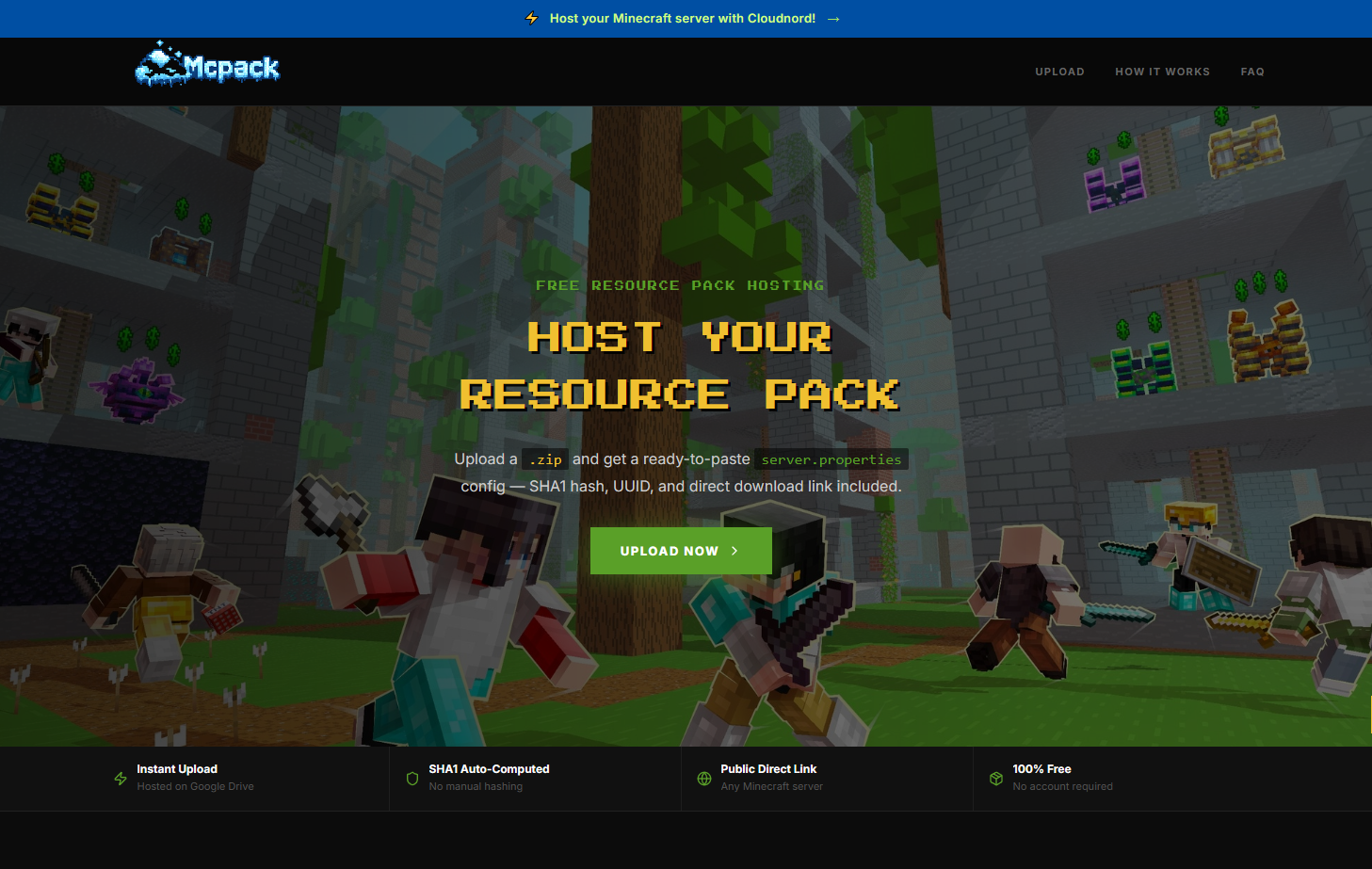
Visit https://minecraftpack.net/.
-
Click on the upload button.
-
Select your resource pack
.zipfile. -
Wait for the upload to complete.
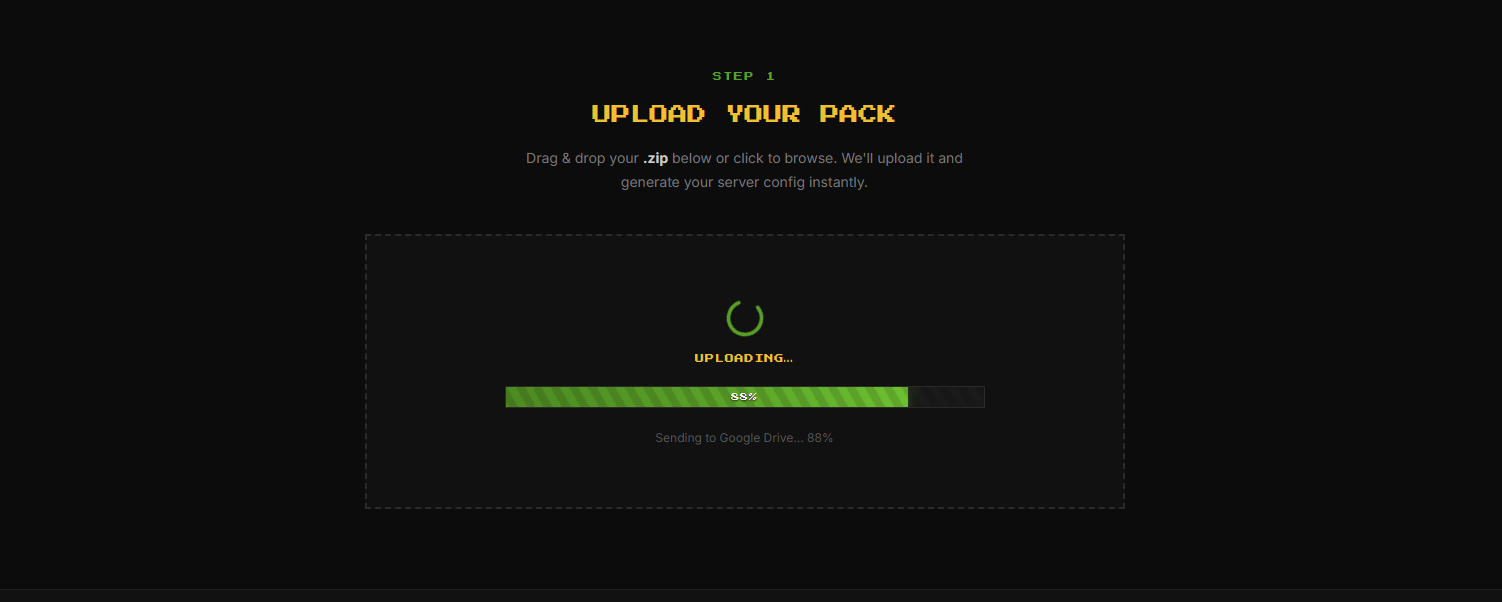
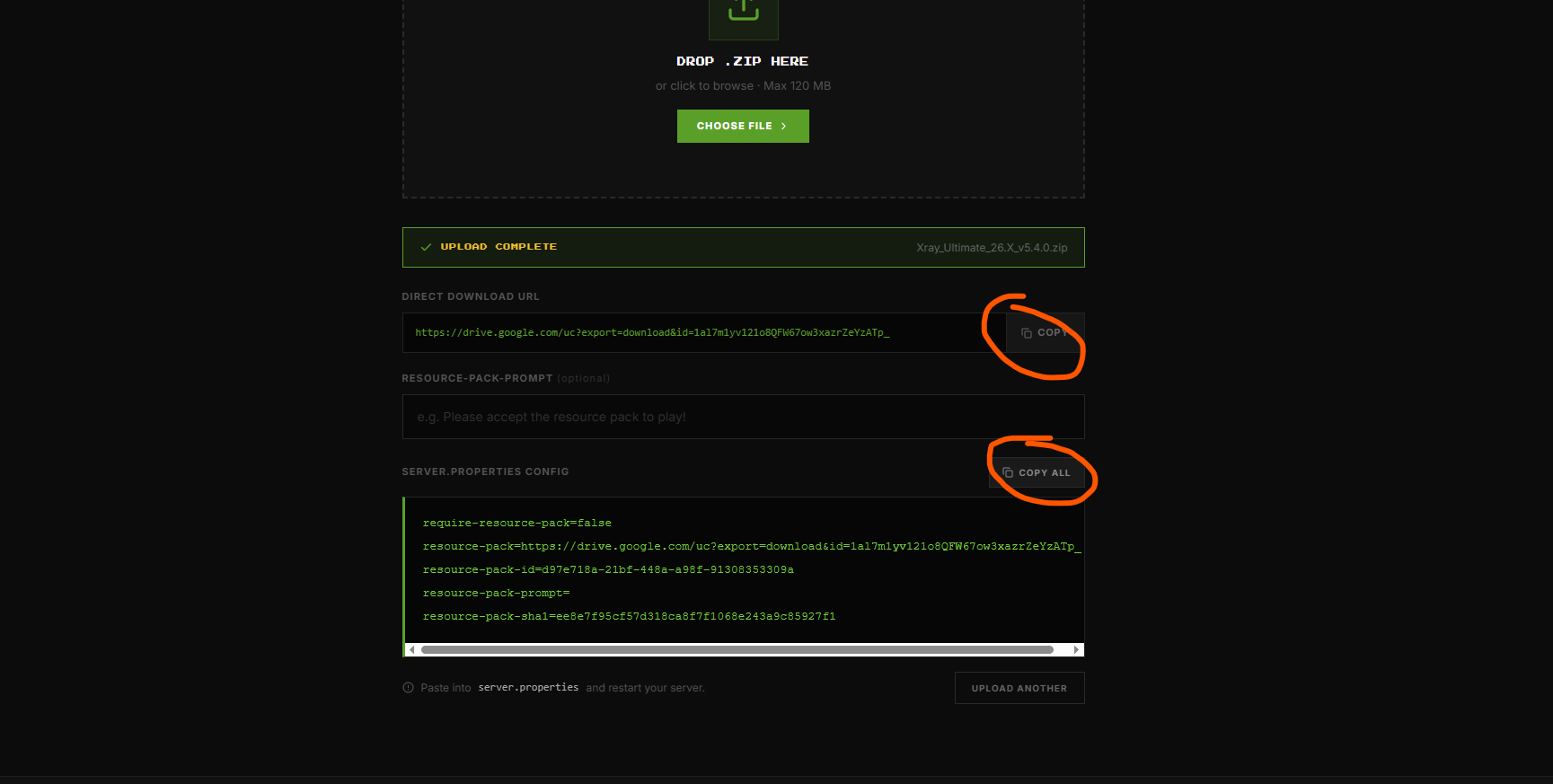
Once finished, MinecraftPack.net will generate:
-
A direct download link
-
A SHA-1 hash for your resource pack
Step 2: Configure Your Server
Open your server's server.properties file and locate the following settings:
resource-pack=
resource-pack-sha1=
Paste the values provided by MinecraftPack.net:
resource-pack=https://minecraftpack.net/download/your-pack.zip
resource-pack-sha1=YOUR_SHA1_HASH
Replace the example values with the link and SHA-1 hash generated for your upload.
Step 3: Save and Restart
-
Save the
server.propertiesfile. -
Restart your Minecraft server.
After the server starts, players joining your server will automatically be prompted to download and apply the resource pack.
Troubleshooting
Players aren't receiving the resource pack
-
Verify that the
resource-packURL is correct. -
Ensure the
resource-pack-sha1value matches the uploaded file. -
Restart the server after making changes.
-
Confirm the uploaded resource pack is a valid
.zipfile.
The resource pack doesn't update
If you upload a new version of the pack, update both the download link (if it changed) and the SHA-1 hash in server.properties, then restart your server.
Need Help?
If you're still having trouble setting up your resource pack, feel free to contact our support team and we'll be happy to help.