How to Choose the Right Hytale Server Plan and Performance Expectations (CloudNord)
This knowledge-base article explains how to choose the correct Hytale server plan on CloudNord and what level of performance to expect based on player count, playstyle, and world activity.
Understanding how Hytale uses server resources will help you avoid surprises and select a plan that fits your community.
Overview
Hytale server performance is not determined only by the number of players online. Instead, it depends heavily on what players are doing at any given time.
One of the most resource-intensive activities in Hytale is new terrain generation. This usually occurs when players explore unexplored areas of the world. If multiple players are exploring in different directions at the same time, the server will temporarily require more RAM and CPU to keep up.
This behavior is normal and expected for sandbox games with procedural worlds.
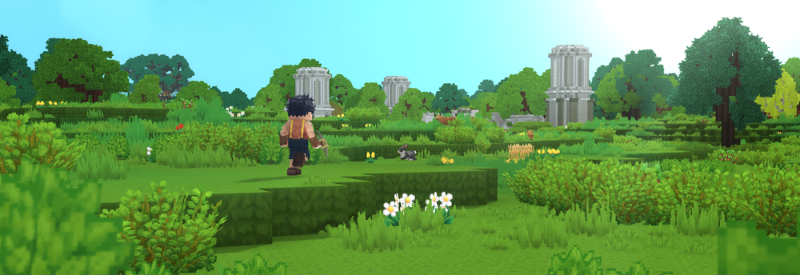
What to Expect Based on How Your Server Is Played
Rather than focusing only on player slots, it is more accurate to think about how your group typically plays.
Relaxed Play Sessions
Typical characteristics:
-
Small groups playing together
-
Slower exploration pace
-
Players staying mostly in already generated areas
In these situations, Hytale servers generally run smoothly with lower memory usage.
Recommended Plan
-
5 GB RAM minimum
-
Best suited for 1–2 players
-
Ideal for casual testing, small private sessions, or early gameplay
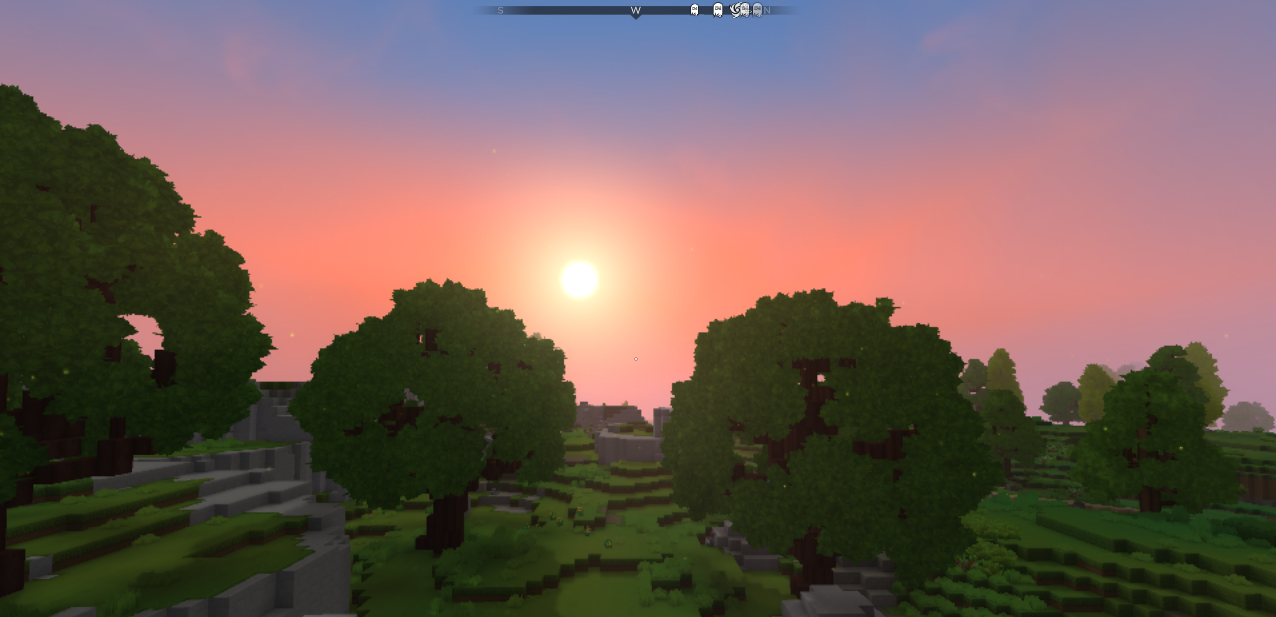
Active Play Sessions
Typical characteristics:
-
Multiple players online at the same time
-
Players exploring in different directions
-
Long play sessions with constant movement
-
Frequent generation of new terrain
During these periods, the server may temporarily consume significantly more memory. Once exploration slows down or players regroup, resource usage usually stabilizes again.
Recommended Plan
-
8 GB RAM or higher
-
Suitable for 3–6 players
-
Provides extra headroom for exploration-heavy gameplay
What Happens When a Server Gets Too Busy
If a server remains under heavy load for extended periods, especially on smaller plans, you may notice:
-
Short gameplay lag
-
Slower world loading when joining
-
Delays when exploring new areas
If this level of activity continues without enough available memory, the server may become unstable or, in rare cases, crash. This does not indicate a fault. It simply means the server is being pushed beyond its intended workload.
Upgrading RAM usually resolves this immediately.
Joining the Server for the First Time
It is normal to experience minor lag when a player joins the server for the first time.
When connecting, the server must:
-
Load the surrounding world
-
Send terrain and entities to the player
This is more noticeable if the area has not been generated before. Performance typically improves automatically once loading is complete.
Estimating the Right Amount of RAM
If you are unsure how much memory your server needs, you can use a RAM estimation tool to plan ahead: https://cloudnord.net/hytale-ram-calculator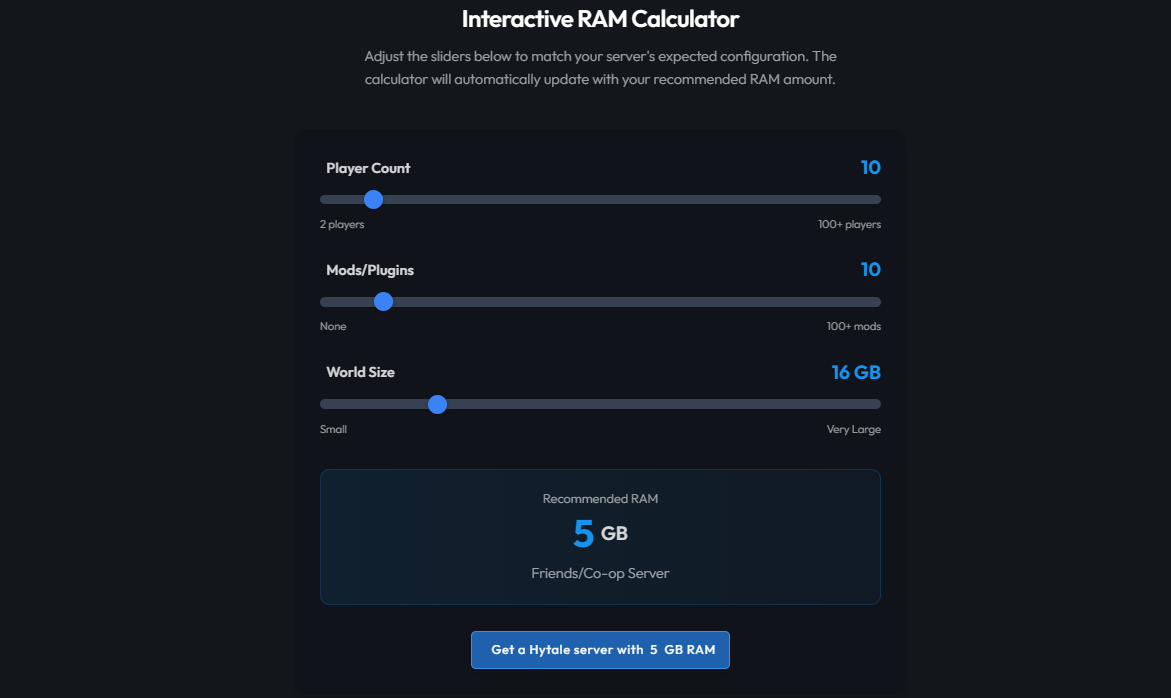
This can help you decide whether your current plan is sufficient or if an upgrade would provide better stability.
General Tips for Smoother Gameplay
-
On lower RAM plans, players should explore together rather than splitting up
-
Large-scale exploration by multiple players at once increases memory usage
-
Temporary lag during exploration is normal and usually resolves on its own
-
Staggering exploration can significantly improve performance on smaller plans
These tips help set realistic expectations and reduce the impact of peak activity.
Ready to Get Started?
If you are ready to deploy your Hytale server, follow the CloudNord setup guide to get started quickly.
If you are unsure which plan best fits your needs or want help adjusting resources, CloudNord Support is always available to assist.
Best regards,
- Senior
Bir bilet açın və əsl mühəndis onu götürəcək — adətən 15 dəqiqədən az müddətdə.
Bilet göndər